Recording a talking-head video takes 30-60 minutes when you factor in setup, lighting, and re-takes.
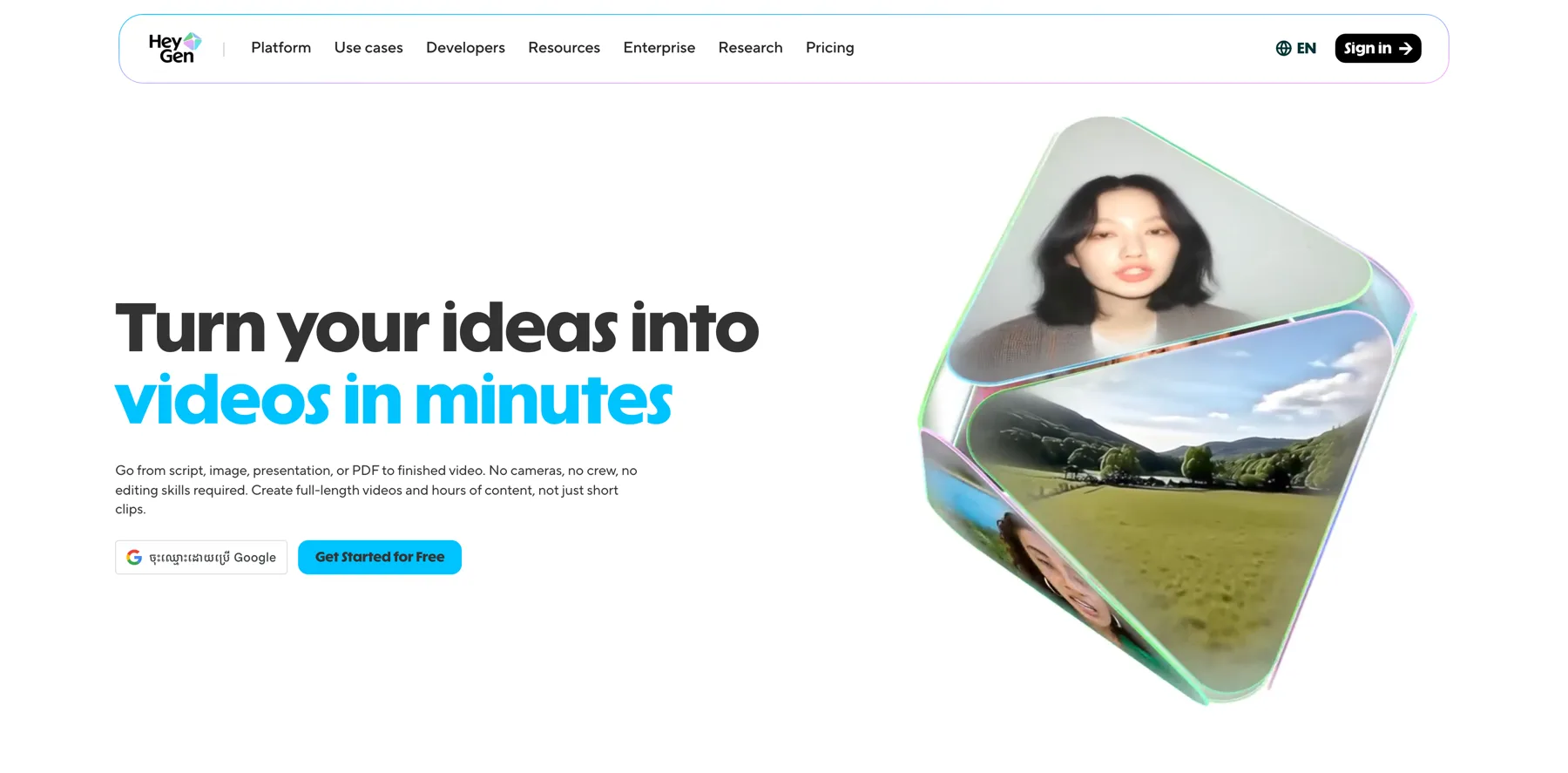
With HeyGen, you write a script and get a finished video in minutes. No camera, no studio, no editing.
This guide covers the exact setup process for your avatar and voice clone, plus the batch production workflow for creating 10+ videos per week.
Why AI video changes everything for creators
A single talking-head video takes most creators 30-60 minutes from setup to final cut.
With HeyGen, that same video takes 5 minutes to produce. The math changes completely when you remove the production bottleneck.
Recording your avatar source video
HeyGen needs a 2-minute video of you to build your avatar. Here is exactly how to record it:
- Use natural lighting or a ring light
- Look directly into the camera
- Speak at your normal pace with natural gestures
- Wear what you would normally wear on camera
The better your source video, the more realistic your avatar looks.
Setting up your voice clone
Record a 30-second voice sample in a quiet room. Speak naturally. Do not try to sound "professional." The clone will capture your actual speaking style, including your pace and tone.
Test the clone with a short script before producing full videos.
Writing scripts for AI video
AI video scripts are different from blog posts. Keep sentences under 15 words. Use pauses (marked with ellipses or line breaks). Front-load the most important information. And write the way you speak, not the way you write.
The batch production workflow
Set aside one hour per week. Write 10 scripts in batch. Upload all 10 to HeyGen. Let them render while you do other work. Review and publish throughout the week.