You have 50 pages of research for your next video, article, or course module. Reading through it all takes hours.
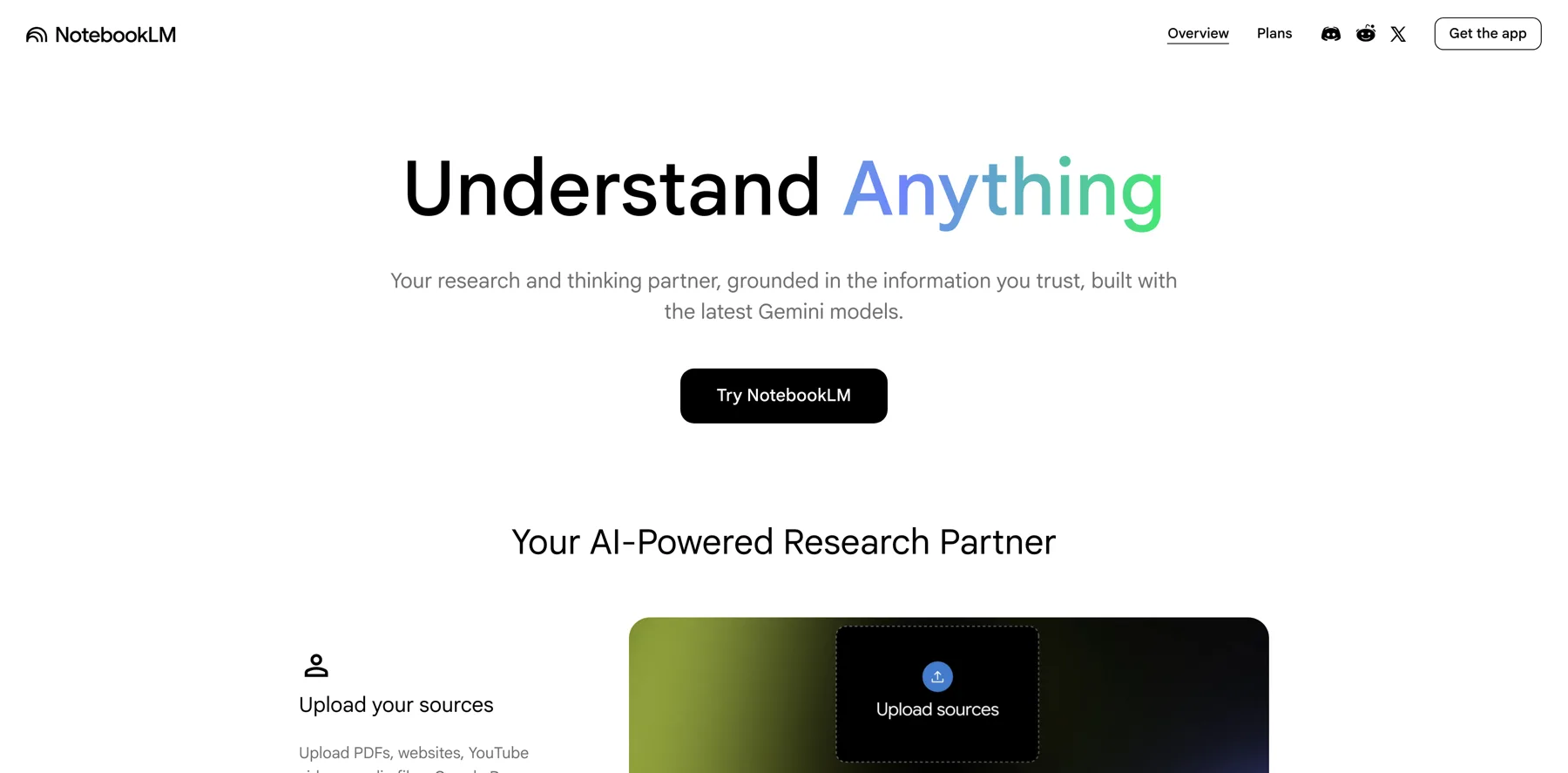
NotebookLM's Audio Overview can turn all of that into a 10-minute podcast conversation you can listen to while doing other things.
This guide walks you through the exact process for setting up your notebook, choosing the right sources, and generating an audio summary you can actually use.
The research bottleneck every creator faces
Every creator hits the same wall. You have the research, but turning it into content takes too long.
NotebookLM solves this by letting you upload your sources and ask questions directly, or generate a podcast-style summary automatically.
Setting up your notebook
Create a new notebook in NotebookLM. Upload your sources. PDFs, Google Docs, URLs, or YouTube video links. You can add up to 50 sources per notebook.
Organize by project. One notebook per research topic keeps things clean and prevents source contamination.
Selecting the right sources
Not every document belongs in the same notebook. Only include sources that are directly relevant to your topic. Irrelevant sources dilute the quality of the Audio Overview.
Remove any sources with outdated information or conflicting data unless you specifically want NotebookLM to address those contradictions.
Generating the Audio Overview
Click "Generate Audio Overview." NotebookLM creates a podcast-style conversation between two AI hosts who discuss the key points from your sources.
The conversation format makes complex research easier to digest than reading a traditional summary.
Using the audio for your workflow
Listen during your commute, workout, or walk. Take voice notes on the parts that stand out. Use those notes as the foundation for your outline when you sit down to create.
This turns passive time into productive research review.