AI Micro-Offers Blueprint
Navid Moazzez: In this session, you'll learn how to craft irresistible micro offers with AI. Let's dive right in here. Jan is with me as well. So what can we say about this session, Jan?
Jan Koch: It is I think a game changer for many creators because with these micro offers, these very cheap and fast to create products and services you can sell for like 7 bucks, 47 bucks, you open a lot of entry points for people to become a first time customer so that you expand your customer base and you can ascend them through the value ladder as they go.
Navid Moazzez: Really excited about this.
Yeah, let's dive right into the workshop. We have a lot to cover in this session.
It's going to be really intense and we are going to show you how I'm using this to craft micro offers for Creator School. And I'm doing this in a very unique way. So I'm actually creating a collection of resources.
As you're going to see here, we're going to start sharing the screen. So let's get into some examples, Jan.
Jan Koch: Yeah, let's not start with ChatGPT. Let's actually start with something that we are working toward in this workshop, so that everybody knows what the ultimate outcome can be.
This is the sales page of Creator School for the AI Super Bundle.
Navid Moazzez: And this is not the sales page, it's the checkout page.
Jan Koch: The checkout page, right, sorry.
, So this is... A list of what could be micro offers, we've decided to bundle this and you've created this amazing AI Super Bundle right here, but each of these blueprints could be a micro offer, each of these workshops could be a micro offer, and we're going to create a... essentially, I'll walk you through the full process of how we created those together and how you've essentially come up with the idea originally, set the strategy for the Super Bundle, and then together we create the content like this so that you can deliver an exceptional outcome.
In this case, package of micro offers, if you will, which make up a huge product at the end.
Navid Moazzez: Yeah, you can settle them separately, which is great, but you can also bundle them together. Let's say for a Black Friday promotion, or you want to do something a little bit more epic, then you can bundle a lot of resources together and you can create a lot of these very quickly, but they also have a lot of value, so you offer value to your students and customers, that's the most important thing, like a lot of our resources, they are extremely valuable, but we are doing them pretty quickly and sharing really valuable information and actionable steps in these workshops, trainings and courses we create.
Jan Koch: Yeah, 100 percent and the way we came up with what... To create in this section is by actually using ChatGPT and obviously other market research to identify the gaps in the market. Like what are the products that exist right now? What are the products that don't exist that we could create to fill the need?
And should we talk about an example right here and how to use this with ChatGPT?
Navid Moazzez: Absolutely, I think that's great. I think in my case, for offers, I usually start with the end in mind a lot of the times, because I want to see like what can really convert. I do research, I check different offers, what's out there, and then I can also go into ChatGPT and ask for suggestions.
But let's say... You don't have too much of an idea right now. How do we start, Jan?
Jan Koch: Yeah, that's a fantastic question.
We start with turning ChatGPT into a market researcher.
Researcher, and will help me identify the needs and pain points of my audience. So, in order to sell something, you have to know who you are selling it to, right? So, let's give it some... Context about the audience, if I can spell this correctly, I serve content creators, online entrepreneurs, and course creators, and help them grow their authority, audience, and revenue by using AI to supercharge their creator businesses.
Navid Moazzez: And this section is kind of the idea of validation, right? Yeah. Basically spending time there first and then we go into, the more exciting part is to create the offer. So,
Jan Koch: Yeah, yeah, so we, we could have started with creating the offer, but then you risk running with 150 miles an hour into the wrong direction.
So we obviously want to avoid that. And that's why we need this ideation and the validation phase beforehand. So we have the audience.
What are their most pressing endpoints and struggles when it comes to using AI. Now, keep in mind, GPT 4 has been trained up until April 2023, so it already knows that ChatGPT exists, because that has been launched in November last year, 2022.
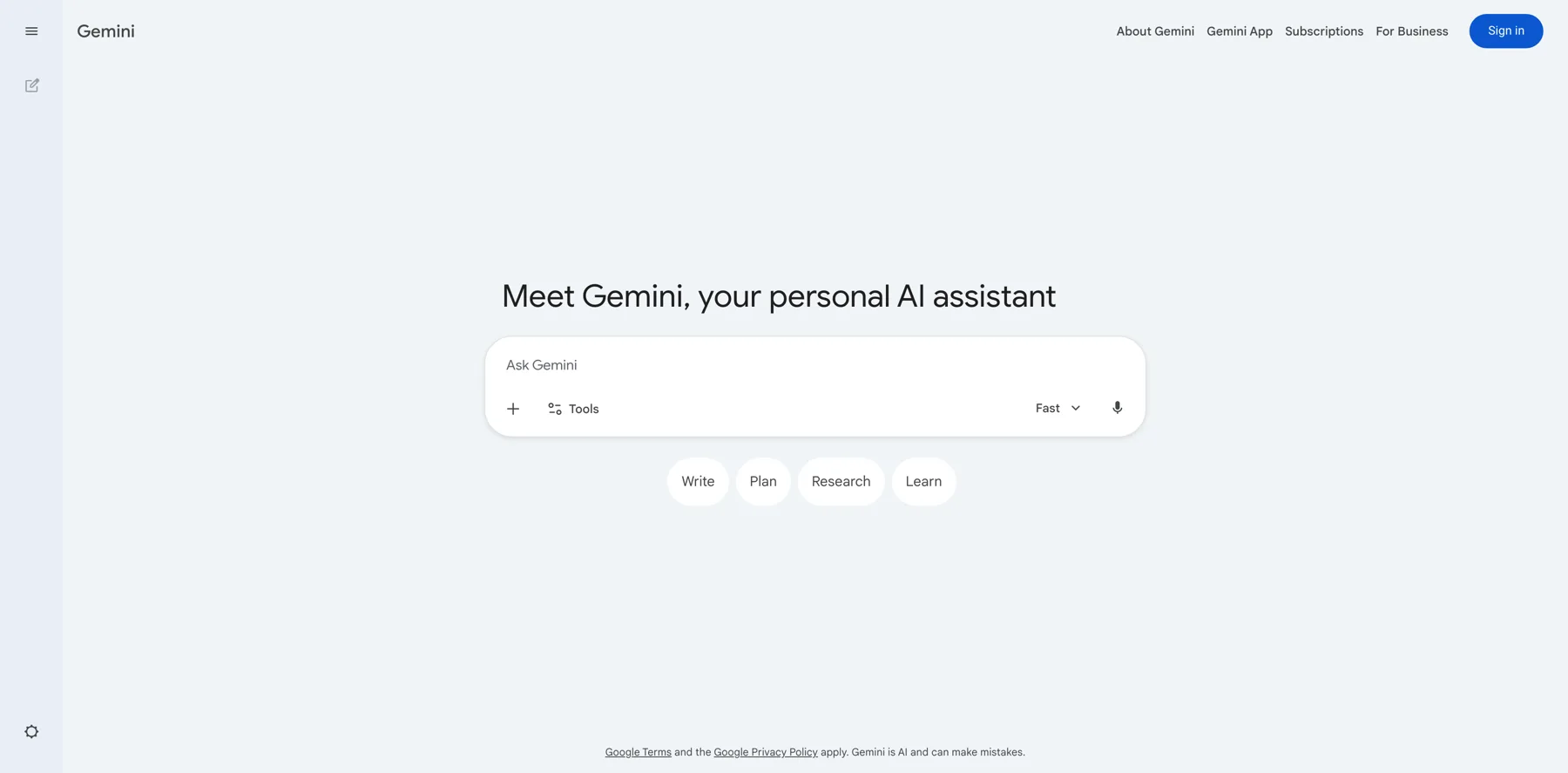
We want to also urge it, though, to do some research. Please do research and not just rely on the data you've been trained on. Because what we want to do is essentially, it should go into Google or Bing in this case, and get some live data, right? Get some live research. And while ChatGPT is doing this, we're also going to use Bard in this case, because Bard is one of the go tos for real time research.
And Bard is way faster this time. So we have topics around understanding AI and how it can be used to create content, because many creators still are not familiar with how AI works. Producing content that's unique and engaging with AI. That is actually something we see quite a bit, like people use AI to create prompts, but, you can spot the LinkedIn posts written by BadGPT prompts from a mile away.
And they either, they rather hurt your brand than actually elevating it.
Navid Moazzez: Yeah, totally. I mean, we'll get into that when we talk about creating the offer, because, we are using AI as an assistant here to create our offers. We are not replacing our creativity and our knowledge with AI. That's not what we recommend you do.
Jan Koch: Right. So we have, creating courses with AI. Actually has a blueprint here. That's why we've got our own training on creating courses with AI. Delivering courses in a variety of formats. That's something that we can talk about in this context as well because this can be a micro offer. If you already have a course, a micro offer could be a trimmed down version of that course.
Or it could be a process map. Or it could be an action guide that you can sell as a teaser to lead people into the course. Which is super easy.
Navid Moazzez: And we see this across the board. A lot of people are doing this. They might have a premium course, and then they are taking a process from this to sell a more affordable version. You can do it to get over the barriers to basically take that bigger course, which I think is great as well.
Jan Koch: Yeah, yeah, it's kind of like this tripwire idea where you just get people familiar into your ecosystem.
Um, ChatGPT also has a lot to say right here, opportunities, increased efficiency, consistency, accuracy, enabling new content forms, like this will be a big one for me.
We've talked about this in the AI content amplifier as well, where you take this one core piece of content that you have and you create all sorts of different formats and varieties from it using AI.
So this is definitely on point right here. We see this in a lot also, talking about omnipresence. Challenges, I wouldn't say they are as, the first two are not as relevant. Job replacement, like they are self employed, our audience, they're not worried about being replaced with their jobs. Data management, data modernization, so this is somewhat okay, but I actually prefer Bard more.
Navid Moazzez: Some people might be in their job though, and they want to quit their job.
Jan Koch: True, true, but in that case, would they really be worried about... being replaced by AI or what they say, okay, this is rather a reason for me to dive into this because I will be.
Navid Moazzez: If they want to start a business, I would say that's accurate for sure.
Yeah,
Jan Koch: okay, so let's combine the two.
I've just copied the research from Google Bard in here as well, and now what we'll ask it to, please come up with 10 product ideas like worksheets, ebooks, guides, short video trainings, or email series that I could sell for, let's say, 7 to 47 dollars, and create with relatively little effort, while still delivering a ton of value to my clients, or to my customers.
So we essentially just... We could read through these and come up with the ideas ourselves, but I feel the point of having AI assistants is to be as effective with your time as you can be. So rather than thinking through this, coming up with ideas myself initially, I would like to see ideas already presented that I can then refine and enhance with the knowledge and experience that I have.
Navid Moazzez: 100%. This is the way to do it.
Jan Koch: So this could be a relatively easy to create training, how to create AI content that sounds like you. Something that we've talked about a lot. And this could be a micro offer.
Navid Moazzez: Even on the AI for Creators Summit, I had speakers talking about it. I think it's... a great topic, especially when you're doing any form of copywriting with AI, things like that, I think talking in your authentic voice is really important.
Jan Koch: Yeah, and one thing I want to make sure that comes across here is just because there's a lot of free content available about a topic doesn't mean that you couldn't also sell something. Because what you have to sell in that case is... saving time. People can watch a three hour session on how to make ChatGPT right in your tone of voice, or they can take your 10 step blueprint, and they would happily pay 7 dollars or 15 or something like that.
AI Fear Overcoming Toolkit, I like this as well. AI in Course Delivery. So, what I would say is, Let's actually go with this one and rather than making this into an email series, I feel this could rather be a checklist. So, for example, walking you through the right setup of custom instructions inside ChatGPT.
Navid Moazzez: It can be a video plus a checklist or something like that. We have done this in the past where we are combining something like a checklist or some kind of guide with a video walkthrough. So you cater to different types of people, basically, and I think it's great. It's more actionable this way.
Jan Koch: Yeah, I 100 percent agree.
Let's go with that. So, I like this idea, but let's not make this an email series but a checklist on configuring ChatGPT with its custom instructions and also a video explaining the process and diving deeper.
So now what we're doing is we're going from the ideation slowly into the creation phase.
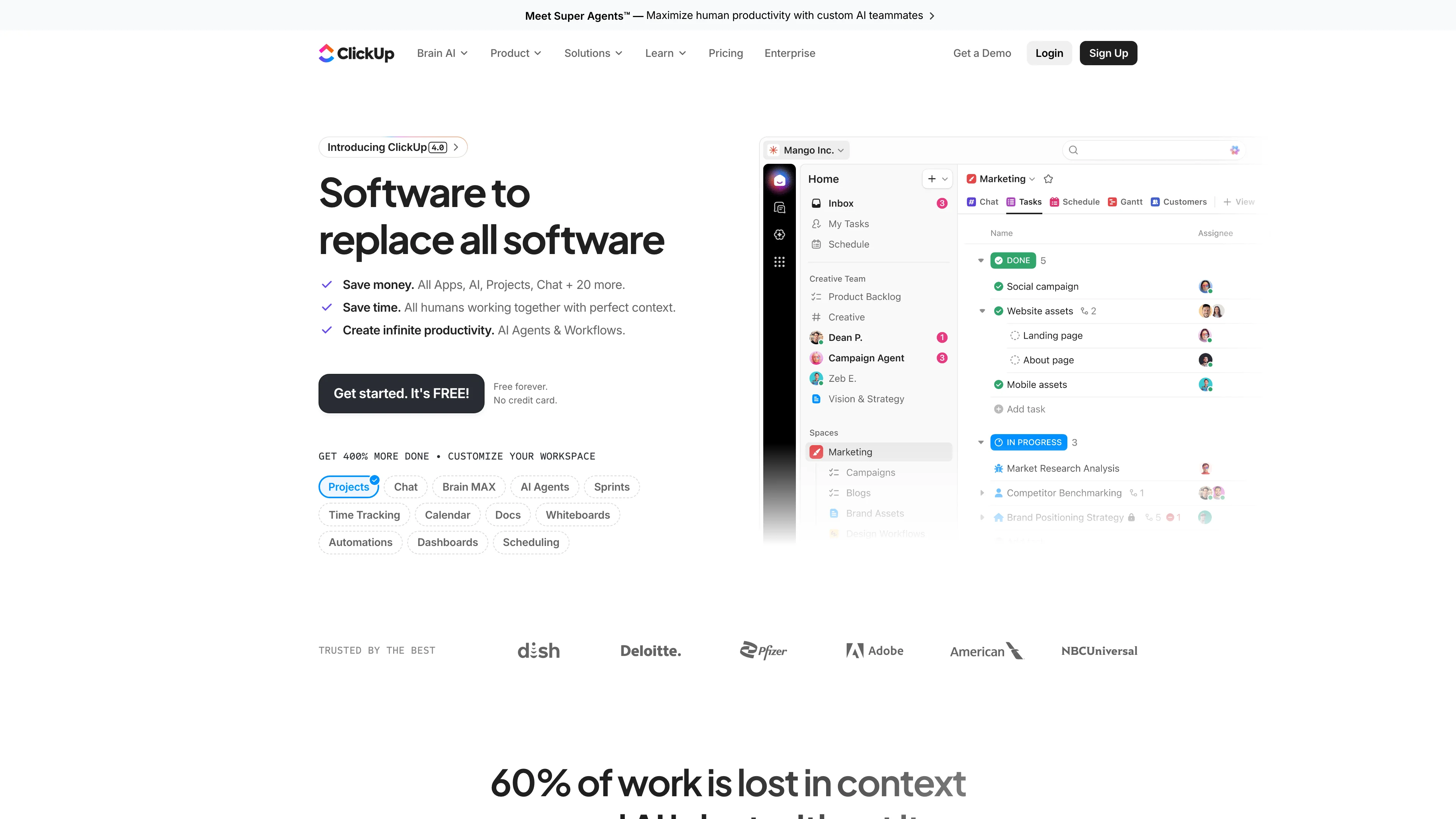
Because it's actually now starting to outline the product and what you also want to do in this step is once you have the outline, you want to set up a landing page or you want to set up a Google Doc or maybe even put up something simple like this. This is a ClickUp document. You could do it in Notion as well.
Super easy to validate the need from humans. So rather than just relying on ChatGPT saying this is a problem and Google Bard saying this is a problem, now is the time to actually ask humans in your audience, hey, would you pay for this? What do you think? Am I on the right track or not?
Navid Moazzez: Yeah, you don't need to set up that many fancy tools in the beginning.
As Jan said, you can start with a Google Doc. I've seen people making even millions of dollars selling from Google Docs, which is interesting. Scott Oldford, yeah. I saw his post about this, which is really interesting. And I've seen other people doing it. So you can use Google Docs, you can use ClickUp, and basically put in your information there about the product.
But we are going to get into a little bit of the naming. I think when it comes to crafting really irresistible micro offers with AI, I mean, the name is important that goes into it, like irresistible. People need to be convinced that this is something they might need to solve their problem.
Jan Koch: Yeah, that's actually now a good point to talk about naming because in order to build this pre qualifying landing page or Google Doc, you have to put a name on top of this.
So let's see what ChatGPT came up with at first for the configuration checklist. And then we talk about the name.
Navid Moazzez: I would say the most important thing is the hook. You don't necessarily need that much of a name in the beginning. You can have a title on the headline, whatever that is. But I do think, you know, a name is great, especially when you're selling something, when you put that in the membership and things like that, you need to have a pretty good name.
But as I've said, when I'm hosting summits or anything like that, I believe the most important thing is to have a unique hook for the offer. So people are convinced that this is something that might solve their solution or their problem, essentially.
Jan Koch: Yeah, yeah, very important point right there. And I just want to make sure everybody watching this understands that while we are now showing the process for a checklist and a video, the same process applies to any sort of micro offer. Could be an email series, could be a one hour training, could be templates, you always start from ideation, then it's validating, then it's outlining, then it's getting pre sales ideally before you start creating, and then after you've gotten like 10 to 15 people to pay you before the offer exists, Then it's the time to actually spend time creating.
So this checklist looks pretty good to me. It's really more an action guide than a checklist. It's not something you would tick off, but the structure is good. So we have custom instruction basics, examples, testing, troubleshootings. This is pretty good.
Navid Moazzez: Let's talk about how do we craft something that people are willing to pay for.
I think that's important, right? Because this might be something... you see offers for free, so how do you make this something that actually is worth some money? That can be, as Jan said, maybe 7 dollars, can be even up to 100 to 150 dollars. Depends a little bit how you structure it and your market and kind of the value you're offering in each offer.
From our perspective, we like to bundle these offers, but you can... Sell them for 100 dollars, even up to a few hundred dollars. I think the value should be there at least. But yeah, if you're starting with your first one, maybe you're offering it for a little bit less. So that might be, anywhere from 17 dollars to around 50 dollars, you know, 47 dollars, essentially.
Jan Koch: Yeah, I feel like when it comes to creating something that people want to pay money for, it's, you have to achieve one of two things. You have to fix a problem they currently have, they are aware of, and they want to get fixed, or you have to save them time. It's like one or two things really. I don't see anything else really at the most foundational levels of offers.
And with this example, what I would say is, is the problem there that AI doesn't write in their tone of voice? 100%. Like, I've had hundreds of conversations about this.
Navid Moazzez: I think it's something else, too, regarding this. Just saying, okay, I can't write in my tone of voice, that's difficult with AI, I think it's a great thing.
People have a problem with this, but I think if they can make money, if you position it in some other way, that this actually leads to money, maybe you're doing something around copywriting. I think , you'll be able to charge more, but I have seen courses around authenticity with AI, like even Amy Yamada is offering this in the Super Bundle as a bonus.
So I think it is a great offer because it's a real problem people face. They're going to AI and it's sounding like a robot. So how do you actually make it sound like you? Well, you go through these steps and it's going to sound a lot better. And a lot of things we have shared throughout our training will help you with this as well.
Jan Koch: Yeah, and essentially, this is quite interesting, because I thought I had said the same thing, but I didn't. When I said people are aware that they have the problem, in my brain, I thought, well, if they are aware, they also know what the benefits would be if they would solve the problem. But I didn't spell it out.
So this is one thing you have to be very careful about when you're crafting offers, the assumptions you have in your mind are not clear at all to the people actually seeing your offer. You have to really spell it out in detail.
Navid Moazzez: Yeah, you have to make it very benefit driven, I think, rather than just feature, features.
I think features are important, for sure what's included in the offer and everything like that, super important, but I do think the benefits and spelling that out right there on the page. That's going to actually set it apart and people are going to say, okay, I need this offer. Let's join it.
Jan Koch: Yeah, so let's create these benefit driven statements right now. This offer looks quite compelling because I can also add my personal experience and know how to do it. Please write 10 benefit driven statements that describe the positive outcomes content creators will experience when taking this offer.
This is very broad, right? This is very superficial and generic. This is the first one I would say that could actually be used because you don't have to refine as much. This one could be used. They don't care about technical hurdles. This one is okay.
Suggest 10 variations are more specific and practical, relevant to content creators.
Navid Moazzez: In our case, sometimes we do it a lot faster because we know the topic a lot. So we might just use ChatGPT to craft an outline really quickly. And then we refine that outline and we start, basically get into the creation phase very fast, I think that's when you're getting better, you can do that.
Jan Koch: Yeah, these ones I actually like a lot more when I ask about specific and practical. Streamline article writing is 100 percent on point. Boosting engagement to generate captivating social media posts is also something I use AI for myself. Video scripts, I write with AI, optimizing SEO with AI. So this is way better.
Now what I would do is, I would put together a document with a title, turn those 10 into a hook, and then give a teaser about the contents. This is like the features of the offer, but I would preface it with the benefits. So, title, hook, benefits, and then features below on the document, and then a payment link.
Navid Moazzez: Let's talk about something very important when it comes to irresistible offers, it's bonuses as well. Extremely important. People actually buy for their bonuses in a lot of ways. I think that's something I've done in the past. I buy for the bonuses. So, you need to craft something that goes along with the main offer.
Of course with a micro offer, you don't need too many things. It's already very affordable as it is, and the micro offers should pretty much sell itself. But you can offer some bonuses if that's not just a bundle, like what we are doing with the summit. We can show you this with the AI Super Bundle.
That's a collection of resources, a collection of micro offers, and then we have some bonuses there as well, like software deals, we have some bonuses with speakers, stuff like that. I think that's great, that's a bigger offer, where we have combined a lot of resources, but if you're just starting out, and you just want to sell your micro offer, have that be really good, but then offer a few bonuses to go along with it.
So Jan, what do we have to say there when it comes to the bonus creation and coming up with really compelling bonuses?
Jan Koch: You've given some exciting examples right there. And one thing I would say is if you have a micro offer that uses a specific tool, for example, approach the creators of those tools for an extended trial.
That's the easiest way. Or maybe they get a Special discount like we have at the Creator Summit quite a bit. You could also do bonus workshops. Like what you could do is invite experts on the field that give complimentary information to what you are sharing and release those interviews and workshops only to people who bought the micro offer in the first place. So it doesn't really have to be another set of 10 offers that you have to create as a bonus. It can be something as easy as having a conversation online that's being recorded.
Navid Moazzez: Yeah, and you can also have a bump offer on the cart. We'll show you a little bit this as we go along here, but at the end of the day, all these are kind of micro offers in a way.
So you're combining different things and they all need to go through the same process. Does this make sense to offer with this? It should not just be anything. It should actually complement whatever it is that you are selling in this micro offer. I think that's the strongest offer in general because that's how you create these.
Jan Koch: Yeah, so for example, when we stick with the authenticity and content that sounds like yourself inside ChatGPT, a bonus would be a guide on creating images with Dall E. Because if you use ChatGPT for text based content, why not also use it to create the images that you put onto social media or onto the blog page?
Navid Moazzez: Yeah, that would be a great bonus. You can do it with other AI image generators like Midjourney, maybe Leonardo AI. There's a few different things, but if it's just about ChatGPT, you might do it with Dall-E 3 if you have a good, great process for this, for example.
Jan Koch: Yeah, so what we do now is in order to get this document up so that we can validate the offer, let's suggest, 10 catchy product names that are no longer than three words.
Please also turn the 10 or the 20 benefit driven statements into a compelling hook that convinces the creator to take this offer if 10 variations of the hook
I like this one, Creators AI Edge, because it gives you an AI edge. And you could obviously play now with those different names and like Creator AI Wizard.
Navid Moazzez: I like Wizard, you know this Jan.
Jan Koch: I know, that's why we have the Funnel Wizard Creator Edition.
Creative AI Spark, like you get the idea, you can play around with the names now and Nobody says you couldn't generate a hundred names and then pick your three favorites and combine them.
Navid Moazzez: And the biggest thing I would say around this is that you probably want to mix and mash a little bit. I don't usually take them straight out of the box from ChatGPT. I say, okay, I like this word. Then I might combine them and then I have a great name. Or I don't like them at all, but I continue to reiterate the process.
That's usually how I do it. So yeah, don't feel discouraged if you don't like any names, you can just keep going.
Jan Koch: Yeah, and then for the hooks, this one is probably my favorite. Craft content that captivates. Learn to use AI for high quality engaging SEO optimized content effortlessly. AI writing result is your key to content success.
This one actually is quite compelling to me.
Navid Moazzez: It is quite good. You can refine it, depending on how your page is structured. I'm not a big fan of super long headlines, but yeah, it's good. It's a good one. It captivates the audience. it's compelling, I would say. But you might want to tweak it a little bit, maybe having like one sentence, for example.
Jan Koch: Yeah. That's a good point. Turn the fifth hook into... just one sentence. Try this in 10 different variations.
Navid Moazzez: Another thing you can do is to take a headline from a page you like and a format you like and tell ChatGPT to rewrite it and match your product basically or match this micro offer. I think that's a great way. We do this all the time with newsletter formats. We do it for social media posts and so on.
So I think that works really well for when it comes to coming up with headlines for a sales page and products and things like that.
Jan Koch: Yeah, yeah, absolutely. And we dive deeper into that when we look at the examples. Let's talk about creating this product right now. So I would say for the sake of this example, let's stick with AI Writing Wizard.
Navid Moazzez: Yeah, we can do it. I mean, it's maybe not as much about authenticity in the name, if you really want it to be clear that it's about writing authentic copy with AI. I think it might not be clear in the name, but I think the name is pretty solid, but might not be clear to the people buying that. So you can also change it. You can do a name that is benefit driven as well craft irresistible micro offers in a way.
And that's pretty benefit driven, like that says in the name right there what we are going to teach you. I think , that's another way to approach, the name and how to create these offers.
Jan Koch: Yeah, so I've renamed this video guide to how to write authentic copy using AI. And then let's go into the, so I've just taken the product description and details that we had right here.
AI Writing Wizard Checklist. I'm just telling ChatGPT again what the product is about.
Help me in creating this product. Start with the checklist. And now what you want to do when you're creating offers using ChatGPT, this has to be an iterative process. You can't just now blast a megaprompt in there because you want to be sure that ChatGPT stays on topic.
Navid Moazzez: Yeah, that's why we call this AI assisted micro offers and AI assisted micro offer creation.
That's exactly what this is. We are not taking away from our knowledge and experience in this. So if you don't have knowledge on the topic Really don't create it because you're going to come across as inauthentic when you are teaching this, when you are recording the video. Of course you can create a checklist and do this with ChatGPT, but you need to add some more to this.
You need to add your experience, you need to tweak things and make things better. I think it's never 100 percent there when you're using AI, and it shouldn't be, quite frankly, because then you didn't create anything. So, yeah, that's kind of my approach to this whole thing.
Jan Koch: Yeah, that's a great way to summarize this.
So what we usually do at this step is go through this checklist or the outline, see what we like and what we don't like, and copy that into a Google Doc or ClickUp or whatever tool you use. Let's go to Google docs.
Navid Moazzez: I like ClickUp a lot these days. They even have AI features, so you can... continue writing, you can summarize text in ClickUp, kind of similar to Notion in a way.
I do like ClickUp for a lot of the project management features, but they have the Docs feature, which we can use for lead magnets or even paid products as well.
Jan Koch: Yeah, we can showcase one of the guides later on, on how we, what we created there, but now you can just see me formatting this and now the real fun part starts, because now what we have to do is we have to go through the contents that should go into each section and add our own experience to this.
So there we go. Introduction to ChatGPT, custom instructions, objective, explain the concept. Definition of custom instructions. So what we say is explain the two fields in more detail.
Now it's really about creating the offer. Now it's the time to write. Now it's the time to maybe design, maybe record a video, maybe write that email series or create the template or whatever micro offer you chose.
In this case, we would now go into ChatGPT and the Google Doc and go back and forth between the two and outline the module step by step. So the way I've usually done this is let's...
Navid Moazzez: Just one thing on this in terms of modules, you can decide if you have it as a longer video, kind of like this one, or you do it as a course and break it down into modules and lessons depends a little bit.
I'd say if it's a workshop style, you can do it in one video and that can be, maybe 60 minutes to 90 minutes and that can be a really valuable offer and that can complement also a checklist or something else you offer in that micro course or micro offer you are creating.
Jan Koch: Yeah, I think the balance is if you have one big process that people could just follow along and implement and it's done in an hour, I would say make a workshop.
If it's a little bit more complicated or if the steps are more clearly separated from each other, then we usually tend to do the course and just have sessions between five minutes to maybe 25, so that it's easier to digest. So let's dive deeper into the first module right here. How can I make this as valuable as possible for my customers, so they don't feel buyer's remorse.
That's the worst thing you would want them to feel, but see immediate. Results. We suggest the content. Again, don't have it write the full content. Use it really as that what it is. It is an assistant. And there's no point in trying to avoid the work and having AI do the work for yourself. But really, now this could be the content of the first module, engaging intro, explaining what custom instructions are, listing some examples, and this is now where AI kind of stops in the process, because this is where your knowledge comes in, it's your job to maybe create those examples, maybe find examples that are already out there on the internet, and AI can help you find them, but you have to decide if it's a good example.
You have to decide, do I put this as a screenshot into the guide? Do I record a short video explaining the example? Do I give instructions to replicate this? This is up to you and your understanding of your audience.
So now what we can do is, as I've said, go back and forth to the document, and instead of just having these three bullet points in here, we now have deeper level of content, and this is how the guide And you can see that really, really fast, you can create a full fledged guide.
Like, we've been talking around this forever. Usually, a simple guide like this, you can probably create in 30 minutes or 60 minutes, if you know what you're doing, in a rough draft.
And then you spend maybe another four hours, maybe six, to make it beautiful, this is where something like ClickUp or Notion or any platform that you prefer, Canva could be an alternative, would come into play right here, that you can select it and build it in a way that is actually usable for your audience.
Navid Moazzez: We like these platforms because they are user friendly. You can create in a PDF or in Canva, a tool like that, but I do think ClickUp and Notion just make, makes it a lot more user friendly to have the search features. They can go click around, they can go from one page to another and things like that. And it's also rich media.
So you can embed a video there, you can make it a lot nicer essentially, you even see up there in the guide, you can see a search up there as well, in the sidebar, which is really nice.
Jan Koch: Yeah, we have a search in here, so this is because I'm logged in, but we have a search here. You have different formats of content in there as Navid said.
When people scroll through this guide, it's really easy to identify, okay, these are the prompts. We have very short pieces of content so that it's easy to digest. And then we just walk through the basics. Everything that's important is in call out boxes.
Navid Moazzez: Initially we had like this as a long guide and that was in a Google Doc first, then we moved it to ClickUp.
So we basically compared the two and you can have it pretty user friendly on one page, and you can have a table of contents and all of that, kind of like a normal document. But I didn't like that as much. It was just really long. So we created these separate pages for each section, and that was way more user friendly.
Jan Koch: Here's the example. This is actually the original guide and you can see it has over 40 pages and it looked okay, but as Navid said, we realized that while this looks okay, it's probably not the most user friendly to just have 43 pages in a Google Doc.
Navid Moazzez: Yeah, I mean, that looks like a normal lead magnet, essentially, which is fine, but I do think these, more rich media lead magnets, they are kind of nicer, and that's also easier to create for you. You don't need to go into a Google Doc, add a text, format it, and things like that. I think it's more fun to use Notion or ClickUp to create these resources essentially, for your audience.
And it's also a great way for you to organize your content and resources. I think that's another benefit. I don't know about you, but sometimes with Google Docs can get a little messy, you know, and.
Just a tiny bit.
Just a tiny bit, because you're like very quick. Yeah, you're kind of quick and you're like creating these resources, but in ClickUp or in Notion, you can organize things a lot better.
And you can do this with Google Docs, of course, if you have a great system for it. And I have a system, but a lot of times I just create it very fast. And then I don't do it. You cannot really tag things as much as well, you can do that in ClickUp, so for the product for AI Super Bundle, you basically might tag this AI Super Bundle, and then when I want to search for things, when I have a lot of documents inside ClickUp, it's very, very easy to find.
Jan Koch: Yeah, yeah, it's a game changer. And this is also part of what makes this idea of micro offers so compelling to me personally is because if you have the right infrastructure, like we are even on the free ClickUp account, like we're not paying for ClickUp, we don't need to.
Navid Moazzez: I'm paying for ClickUp, I think.
Jan Koch: I don't. I still have mine on free and I'm building lead magnets there as well.
Navid Moazzez: There's a few things with the sharing features you have to keep in mind that certain things you cannot do if you're on the free one, but a lot of things you can do on the free one. But yeah, you can be on the free one and do a lot of stuff essentially, for sure.
Yeah.
Jan Koch: Yeah. And it's actually quite easy to learn.
So this is how we would create our micro offers and you are part of the bundle. You've seen these ClickUp pages.
Navid Moazzez: Another thing not available in the free one is the AI assisted features. You have that as a trial, but then you need to pay, I think it's 5 dollars extra a month.
And that's still an add on even with the paid ones, I think, and I believe that's the case with Notion, possibly.
Jan Koch: Yeah, Notion charges you for AI extra
Navid Moazzez: as well.
Yeah, and even Loom and these platforms, they have like a small add on for AI assist or their AI features, which is fine.
Jan Koch: Navid, what did we not cover about the offer creation yet? Like, we have the outline, we have actually writing the content, people know that you have to do the work and build those things yourself, rather than having AI create them to 100%. Is it, what's something that is missing in there, or did we cover most of the important things?
Navid Moazzez: You mentioned about the time that it takes to create the offer, I think that's interesting because before I used to spend days, if not sometimes months, because I never got it done. Now, we have this clear process so we can go, as Jan said, to create the outline very quickly, we can start creating the offer with the help of AI, pretty fast and then we spend a few hours to reshape that, to make this into our own and basically say okay Is this actually our process? Maybe you have a seven step process already for what you're doing. Of course you want to use that, but you can maybe get some more ideas with the help of AI. You can change things up.
Maybe you want to have some myths you write in the marketing material or on the sales page. Well, you can use AI for this. But I do think when it comes to the creation, what we didn't talk about is actually, how do we create this afterwards, besides the checklist and the guides, which we use ClickUp or Notion for.
I do think the recording of the content is really important. How do you do that? Do we script things? Do we have bullet points? How do we do this?
Jan Koch: That's the beauty. Like, for our process, we always start with a written... product almost, like it's always a guide, it's always a process or a checklist or something and then what works well for us is because we know each other for a decade and we harmonize well in this back and forth in the content creation, it's really good to do a screen share and just walk through the product, the written version to record a video, breaking down, having just a conversation, diving deeper into these different sections.
And for example, with this Prompt Engineering one, we'll probably do one, as a course rather than as a workshop and just have one, one module per chapter in here.
Navid Moazzez: If I'm gonna say one mistake we made with this one, kind of initially. is we probably should have had modules and lessons. We can still refine that afterwards because we just recorded them as individual videos, essentially. That's what we did, and that's fine.
But just when you are organizing your courses in your learning management, we are using... right now, LearnDash and BuddyBoss for WordPress. So then you have modules and you have lessons underneath, which is fine, but I think it's just easier for the people to follow when they say, okay, here's module one, and then they keep moving forward.
So that's something to think about. , But if you are doing a one workshop like this one, you would just add it in there.
But, what do we use to record these? I think it's interesting. That we don't really script these because they are more organic in that way. I don't think that would come across well, especially when you're doing it together. It would not work.
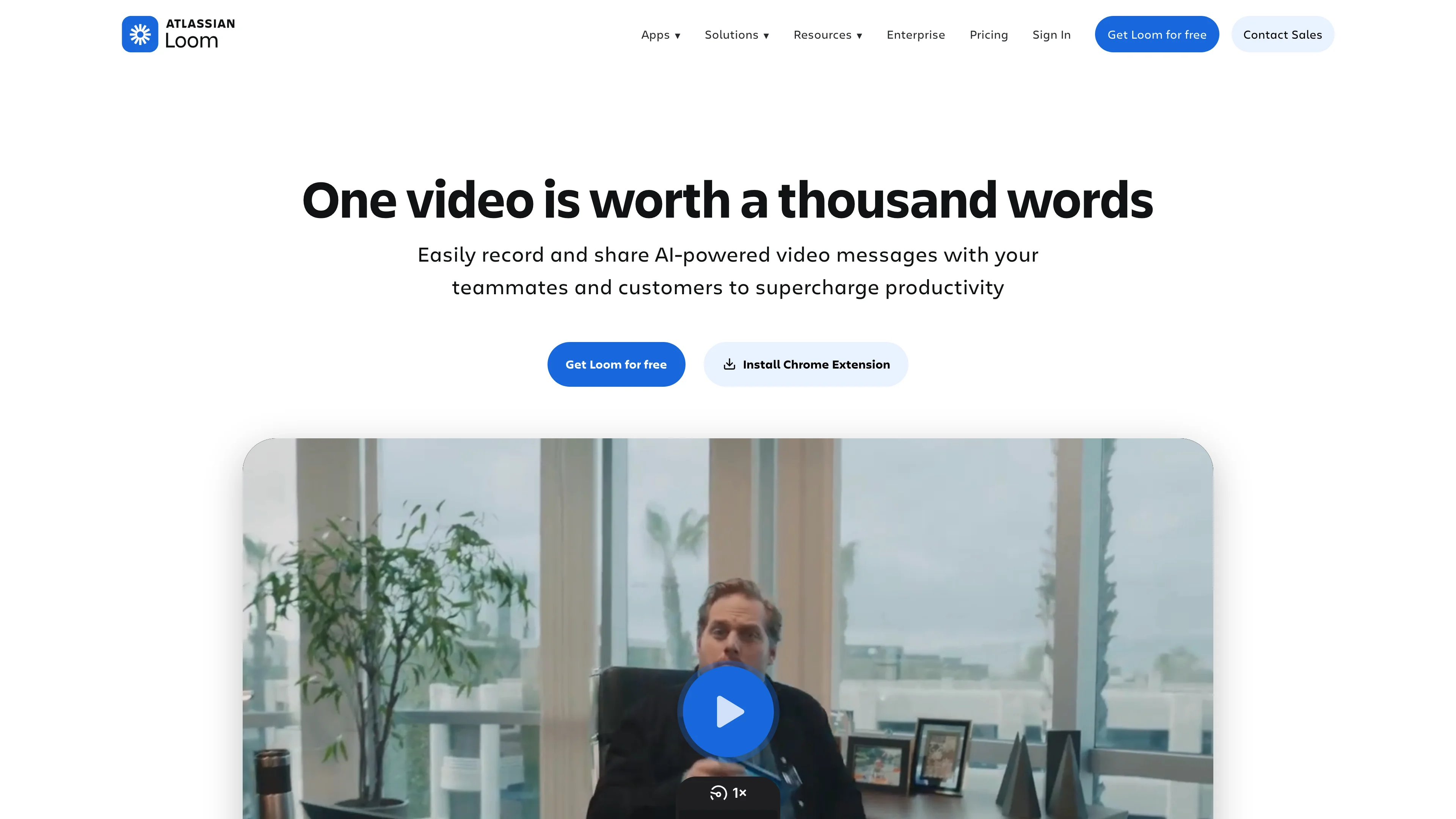
So if you are doing it yourself, you can just share screen. I think Tella. tv is a great software and looks pretty professional if you just want to do it yourself or Loom. I like Loom as well to be honest. There are pros and cons with both, but I do think this one has a more fun features.
You can put yourself on there. You can design kind of the look and feel of it a little more.
And it's quite affordable.
Yeah, it's pretty affordable to be honest. You can use Ecamm Live. That's what we are using to record this one because we are doing this as a remote session where Jan is in Germany. Right now, I'm in Stockholm doing this, so we are, you know, not in the same place, and we are doing this kind of like you would with an interview. But we are now sharing screen, we can switch things, I'm using the Stream Deck here, so I can switch between different layouts, essentially, if I want to show Jan, or if I want to show me, or if I want to show the screen.
So it's pretty easy. Riverside is another one. Descript also has, Squadcast, they just acquired that, so I think that's a great platform as well. There's a few different ones.
Yeah, I'm actually really looking forward to trying the Descript recording, I never got around to it, but I think there's a point to be made about keeping your toolkit as simple as possible, and If you have Descript, you already have the editing and transcriptions and captions and stuff, so maybe this would work for
recording as well.
You can record with Descript directly. If you had it as we are doing now with Jan in one location and I'm in a different location, you can use Squadcast or Riverside, but I kind of like... Ecamm a little more for this.
A little more advanced, you can switch. It's less editing afterwards, I would say. And that's kind of what I like.
You can use Ecamm when you're doing it yourself as well, but if you wanted like some style out of the box, maybe Tella, it's a better option, looks kind of cool. So that's how we record it, and you can do this really quickly.
You can just set it up and start recording and sharing value. The most important thing is that you deliver on the promise of that product. Basically what you put in that Google Doc or ClickUp or the page that you are creating. And then when you have done this, then you can refine it and make things better.
Yeah, that's a very important point.
So, let's talk a little bit about scripting the video and then let's spend another 15 minutes on the sales pages and actually writing the sales.
For sure. I mean, we don't script it word for word and we don't script these videos. But if you wanted to do a little bit of that or maybe have some more bullet points, let's talk about what goes into
it.
Yeah, so let's. Give GPT another prompt right here, please help me create an epic version of this video.
Help me. Most important, I feel, or the thing that we struggle with the most and spend the most time on is actually the intro. Like, you want to hook people in the very beginning. The outline itself is pretty much given from what we've created before in the guide
or checklist.
Yeah. I mean, I would say it's important, but it's not like a YouTube video. You just need to get into it really quickly. That's why I say usually in this session, you will learn or you will, you will discover something that we cover in this lesson. I think that's usually how I start things. Sometimes I say we will talk about this and this and I get into it very quickly. But yeah, for a YouTube video, I would say it's, even more important to hook people.
But here they bought your thing, so you have a little more time. You just get into it quickly. Don't ramble on with different things that's not related to your product.
Right.
So what I usually do when I create videos on my own and don't have this interview format for creating videos is I would do something like this. I give GPT the content of the video that I want to talk about and I ask it to come up with a video intro and then instead of scripting word for word.
I just can't follow along with that. I couldn't read from a teleprompter. I tried that for weeks and it didn't really work out for me, but if I have this bullet step list, I know that I cover every important topic that I want to talk about and I have the right order. I think that's also very important.
Because this has to be a compelling learning experience. You can't just talk about things you think are in the right order. You need to think about from your students perspective, does it make sense for someone who has 1 percent of the knowledge that you have?
Yeah, I think that's a great point. I would say 99 percent of people, they're not going to be great at reading from a teleprompter in a little small home studio.
I think that's not going to be the most efficient. Rather having bullet points and a list of what to cover and organically going through that in the video. Of course, you can record a few lines, stop, things like that. But let's say you wanted to do this pretty quickly. And I've seen this across the board.
Justin Welsh is a great example of someone who just opened up Loom, recorded his course. Of course, he outlined things, he knew what he's going to share. He had a lot of experience doing that. I think he started on the LinkedIn platform and then he created a course on it. I think he has like almost 20 000 students, right?
And that started with a Loom video and I think even to this day he just broke it down into lessons basically. It's pretty simple still his process. It's some slides, maybe he's on the video a little bit, but that's what it is. Sharing screen and walking people through a process. So it doesn't have to be that fancy if you are getting people the desired result and outcome of your product.
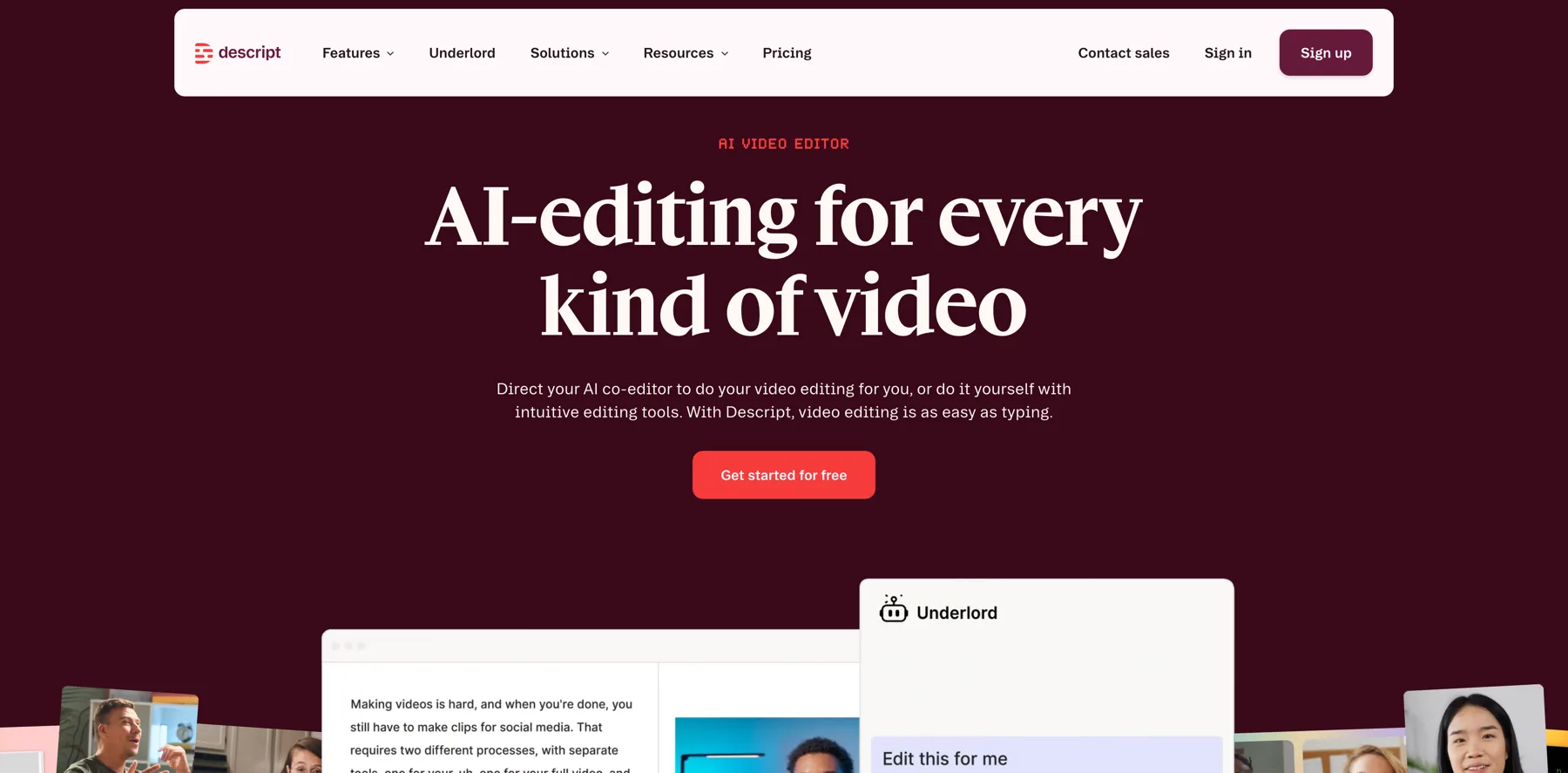
Yeah. One, one thing I just wanna bring up here really quick is Descript. Yeah. Because what is pretty cool with Descript is this AI feature in here where , a video lesson that I did for a course called Supercharge your email list.
And one thing that is really important is that you have the transcripts, you have the captions, and you provide chapter markers, especially for this long workshop video, we'll have chapters for, so that it's very easy for you to navigate to specific points in the video, and instead of listening to the video for 15 times to get all the important chapters, you can just ask AI to do this.
Yeah, that's something I didn't even have for Virtual Summit Mastery before, and I wish I would have had it. I think it's just got a lot easier now with all these tools. So you don't even need to do the chapters yourself. Tools like Descript do it. I think Searchie does chapters as well with their new Copilot feature, which is nice.
There's other tools as well. But I do think when you're doing anything, with course creation, what are you waiting for? Descript is amazing. Like you will save so much time, even if you're having another editor and using other tools like Final Cut or Premiere, you can use Descript together with these tools because you can remove ums and ahs, you can change things a little bit. You don't need to make it unnatural, but you can remove things, maybe we stumble on a word, we can change that, we can remove something very quickly, because it's basically text based here.
Yeah, so you can see right here, it came up with five chapters, and now five chapters don't make sense for a three minute video.
But you get the point. If you had a podcast episode, if I was Joe Rogan, I will use this to break down my podcast episodes into chapters and have like a hundred chapters in a three hour conversation, maybe.
I think this was the intro video potentially, right?
Yeah, it is the intro.
Yeah,
This is pretty short.
But, but to prove the point, it's super easy to create chapters and then you have the markers in here. You see exactly the time. So this is 40, 45 seconds in. And when you upload the video to your video hosting, you just put the markers in there as well and make it very easy.
Certain ones they do it automatically to some extent, but it's not always accurate.
I think this is going to get a lot better with time. It's something that's probably going to perfect very quickly. And that's something that you don't even need to spend a lot of time on.
But Jan, this is kind of the creation part of the offer, I think. If you have any questions, do let us know, but that's the process we do all the time for these courses, micro offers, workshops we create, any lead magnets and free content as well, we use pretty much the same process.
Yeah, yeah, absolutely.
Let's dive into the checkout pages and sales pages and stuff like that.
Maybe one thing to bring up here is the platforms that we use for micro offers, which is... Thrivecart. So this is an exclusive behind the scenes. We've never shared this to this video and it's actually just..
These pages can get in Funnel Wizard , maybe you already got it, but if you didn't, you can get the Funnel Wizard, the Creator Edition pack that we created, and you can get actually some of these pages.
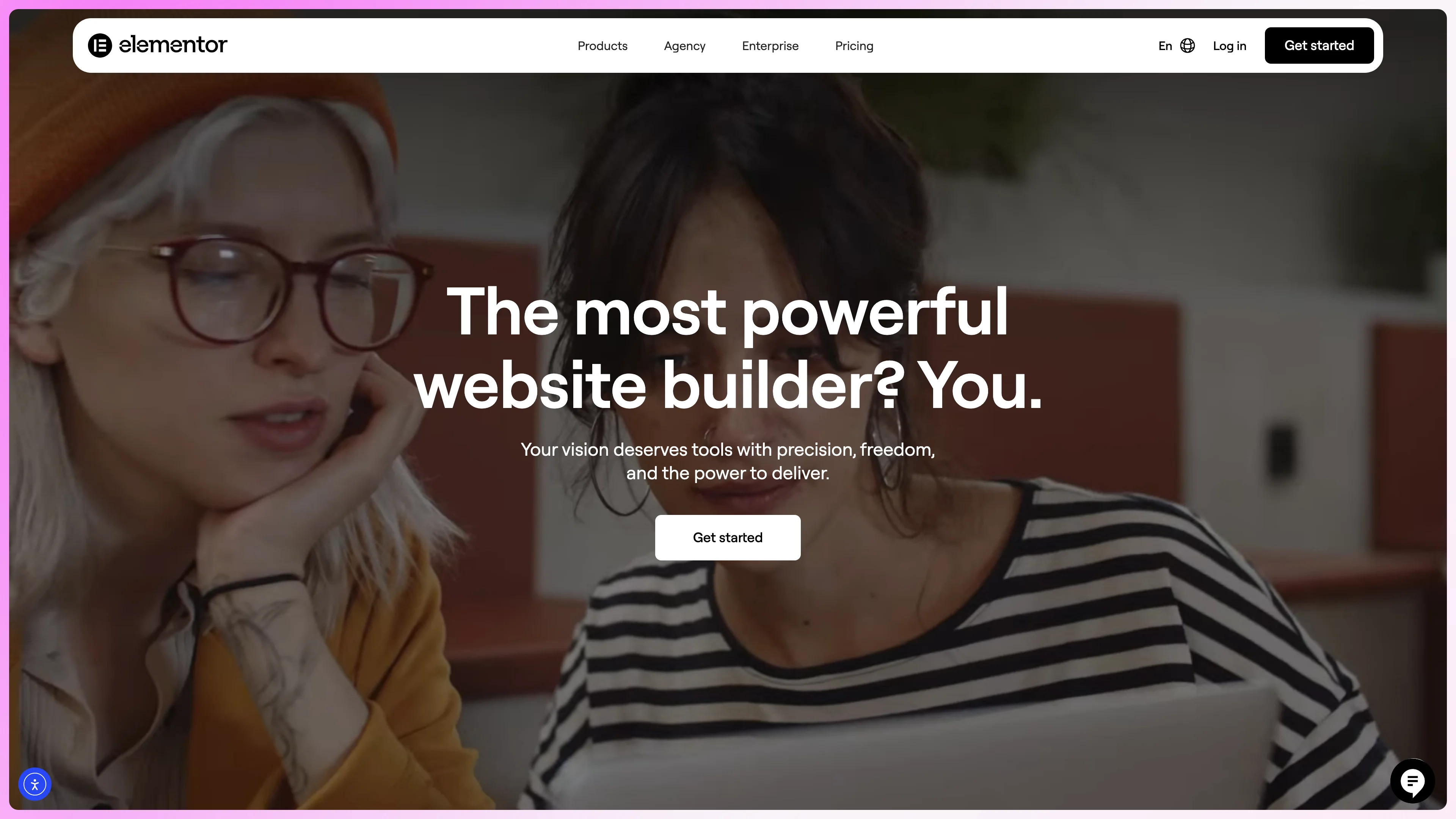
I created them in ThriveCart, but we also have pages for Thrive Architect and Elementor. That's kind of the longer pages. These are the sales focused pages with a checkout. You can maybe show the checkout. I mean, you showed the checkout page before. So we have the checkout page.
Yeah. This is the first step after they go from the sales page. We also going to have a one, one pager. So we have like a one page checkout as well, or a one page offer essentially. I think Dan Moran of Samcart calls this the one page funnel, it means that the cart is on the same page as the sales page, it's just one step.
I do use that sometimes, but if there are some more things I want to explain, I might just have a checkout like this.
Yeah, and what's pretty cool is that on this checkout, it's quite easy to have a bump offer without overwhelming your audience. If you had like a long form sales page and then the check out and another bump might just be too much, come across as too pushy.
Yeah.
And we've written... Of course, not the testimonials, but every other content in here has been written with the help of AI. It's not 100 percent AI, of course, but all the headlines are informed from the process of creating the offer.
I have done this a lot of times, so for me it's pretty easy to do this, but let's say you're starting from scratch and you wanted something, but you can model this as well.
Like, you can take this page, if you're in the Funnel Wizard, or even if you're not, you can take some of what we are showing you here and do something similar. It's proven to work. I've done this countless of times, so I know what works and what doesn't work. But if I wanted some more ideas, I would go to AI and use that.
When you have done something a lot of times, you don't always need to go to the AI tool. AI should be an assistant, not make you less productive. If you already know what's going on there, well, put it on there. Maybe you have other things you have done in the past. Let's say I wanted to use this for another product.
Would I go to AI to write the headline? Most likely I would just clone this, and then change the product name, and then change the item that's included. But if I wanted to have more ideas of what I can include in a new offer, AI is really helpful for that, ChatGPT or other AI powered tools.
Yeah, yeah, I couldn't agree more.
Just use it for when you need it and not use it for the sake of using it. Yeah. And , what I also like to do, don't know about you, Navid, but I like to put in the copy into AI and ask it, how does it come across? Like, what do people think when they read this?
Yeah, I think that's really smart.
Basically, analyze what you have on a page. I think that's really underrated when it comes to using AI. Of course, you can use it for all the writing and all of that. That's maybe more exciting, but you can analyze what's on a page and ask AI. Hey, how does this come across? Or is that something I can improve?
What do you suggest? Kind of like you would with a human. It's kind of your extended employee that you never had. Like you bring this person on and it just helps you when you get stuck or when you need something.
Yeah. And you can see, we've created, quite a bit of, content on here, especially when it comes to the FAQ sections.
That's another one I like to use AI quite a bit for, just , to ask AI, what questions could my ideal customer have about this offer? And then, you build up an extensive FAQ section like Navid did here to increase your conversion rate.
I use it a lot for product descriptions as well. I think that's something I get stuck on sometimes and I always go see the product description or maybe that's going into LearnDash and I'm trying to make it shorter.
I can ask AI, how do you make this shorter? And that works really well, I would say, or write it in this style. Start with Discover. If I want to have it more sales focused, I don't always write Learn. For example, that I might say in this video when we started in this session, you will learn how to do something.
When I put it on a sales page, I tend to lean a little bit more towards discover or reveal. It's just, you can test it, whatever works for you.
Sparking curiosity, yeah.
Yeah, it's more curiosity driven. I've studied a lot of copywriters and marketers, I've been in Ryan Levesque's world, Stu McLaren and them, they tend to use a lot of words like that when it comes to marketing and I've tested different things, I would say that works well. And then for the trainings, it doesn't matter as much because they're already in your world and they are here to learn at the end of the day or get some results.
Yeah. And now this has been the sales part and you can obviously build the sales page.
You can show the thank you page as well.
I mean, we can showcase the full funnel basically. And I think this works extremely well for the micro offers and you can have the upsells be a micro offer. You can have the bump offer be a micro offer. So basically, you're creating this amazing resource from a bunch of micro offers and you can make, maybe start from 47 dollars on the main offer that you're selling.
Then you have a bump offer might be 17 to 27 dollars. Then you have an upsell that can be another, let's say 47 dollars. Depends on the price point a little bit of your funnel. In our case, At least the starting price was 97 dollars, the one time offer for the Super Bundle, but we changed this up a little bit depending on the price point.
If I'm selling a premium course, I can do a more expensive upsell, I can do a more expensive bump offer. So, yeah, you want to change that depending on the offer.
Yeah, it's about relating the prices together and I usually my personal take is to have around the bump offer should be priced not more than 50 percent than the main offer, but that's just my personal guideline.
Yeah So this is a multiple bump offers. That's not currently possible in Thrivecart. I know that's coming, for example Samcart they offer multiple bumps I've seen people offer really affordable ones, you know, kind of 47 dollars, 37 dollars, and then they might have one that is a little bit different than the other ones, that could be a coaching call, that can be a personalized strategy, and that's a little bit more expensive, might be 197 dollars, 297, can even be more, I don't think a lot of people take you up on that initially, but maybe some will, so you have to change things, tweak things a little bit, you can also try having an offer as a bump offer and then you can try having it as an upsell to see what works better, depending on if you don't need to explain a lot of things, I think a bump offer is easy to have because it's right there on the cart. It's less intrusive. If you need to explain some more, like in our case with, uh, this Funnel Wizard Creator Edition, we need to explain some stuff about it.
Yes, could this work as a bump offer? Probably, because it's a really compelling offer. But could I make it as nice? No, this page is not 100 percent final. We're gonna tweak it, we're gonna have a different graphic ... Also, you should have a video there. At the time we were recording this, we didn't have time to do the video.
So you should have probably a video walking people through the offer. It can be... a pretty easy video to do. You can also use AI for this, by the way. So you can come up with the outline for the video, what to say. Do you have anything to say about that, Jan, with actually making the sales in this process?
I think the most important point for people to take away here as we wrap up this conversation is that, yeah, the micro offer is the beginning. It's the start. Yeah. You can have bumps, you can have upsells. What you should have in any case, and we can talk about these briefly, are. cart abandonment emails, so that when somebody puts the product into the cart, but they don't purchase, follow up with them, and of course, AI can assist you in writing those, and you should have an email sequence that onboards people, and that also, in a subtle way, upsells them on offers that complement the micro offer that they're on.
But let's show the main sales page, because that's what we're using Elementor for, and then go through a few different things, because we can do... We can even use the write with AI feature in Elementor to do some things.
Yeah. So as you see, it's a pretty clear page. You can have a video up there as well. Everything in this process, you can get ideas from AI to do like bullet points, descriptions, basically follow the same process. I think that's what we do. Of course, the testimonials, you need to add them.
I think that's something we haven't done. There's a few things that's not finished on this page. If you're checking this out, basically we're giving you an exclusive behind the scenes right now. It's right before we are about to go live with this. We are doing some last minute tweaks. So yeah, and this is an Elementor page essentially.
And we use Canva for a lot of graphics. Yeah, they're using Canva for a lot of the graphics, and this is what I mean, for example, here I didn't have a proper description for ChatGPT, maybe we can do this quickly, so Jan, let's get a description for ChatGPT Mastery for Creators, that's really short, if you go down.
This one here, yeah.
Yeah, it should be a little bit longer, so it matches the other ones. Let's do that quickly to show people how it's done.
So what you would do is usually you take the URL of the page.
Analyze the audience targeted on the page, write a compelling two sentence description for... for a course called ChatGPT Mastery, which teaches the customer how to leverage ChatGPT in their creator business to save time, create compelling content, and become omnipresent without burning out or hiring a team.
So this is obviously quite a short description. Usually what you would do is you would give a whole lot of more detail on the product. Let's see if ChatGPT can access this.
Yesterday it couldn't when I checked, but it might now. Let's see. Yeah, this is too long. Yeah, less than 50 words basically.
And tell it to start with Discover in the same format. .
Start with Discover. Let's give it some of the examples.
No, no, this one was the explore. This one was different. So take another. I didn't do it on all of them, but I think take one that I start to discover. Yeah, this one is too long.
I think the LinkedIn, I don't like that. There's a little bit slightly long, but yeah. Because I'm trying to make it for, to fit in LearnDash as well, which we are using for the learning management. But yeah, so there I want to have two lines essentially, at least that's my goal.
Like this here, yeah.
Shorten this even further and give me five variations. So this is the process of actually writing the sales copy as we go. This is not prepared or scripted or polished or something like this.
I like this one.
Yeah, I would probably discover how to use something. I think that's how I would do it. Discover how to use ChatGPT or discover how something works. That's something you have to kind of go back and forth with a little bit. Sometimes, it depends the instructions you give it. Usually, I just give it an example and I do it the same way.
And then I tweak a few words and then it's good. Because these are really short descriptions. So you don't need to do a lot. And when it comes to writing the copy for your sales pages, I just go in sections. I say, okay. I need something for this section, then I might ask AI to help me out with the process.
And the more details you give it, the better the results. We are doing this a little bit more quickly now because of time and to showcase, but the more details you provide about your business, your audience, and everything in between there, you're gonna get better results.
And another thing we had on the list here, it's also like, how do you promote this offer?
How do we sell these offers, Jan? I think that's also good to get into a little bit before you wrap it up.
Yeah, so the most important channel, I feel, is your existing audience, so this can be your email list, it can be your followers on social, where you use , the contacts you already have to get initial feedback and get the initial, like, 10 to 15 sales to validate the offer.
If you don't have that, go into existing communities, search for Facebook groups. Search for Reddit communities, search for specific niche forums where your target market is active in and then pay very close attention to the conversations that are happening there. Probably copy and paste some of the conversations into AI and ask it for thoughtful responses.
So that you learn how to engage with a community that you want to tap into, and then ask for, I would say, ask for feedback on an offer rather than pitching, because you never want to go into a group that doesn't know you and say, hey, buy my stuff, like that's the best way to ruin your brand.
Inside the members area, in the AI Super Bundle, we also have some bonus materials, so you can check these out. I had one, how to crush your launches with AI, create your marketing materials and things like that. So you can do everything with AI in this process, like creating your emails. Jan and I, we have recorded workshops on email marketing as well, so you can check these out.
So you get a little bit, we go a little more in depth into certain aspects of... running your creator business, essentially. This was specifically about how to craft irresistible micro offers with AI and how to set it up. So I don't know if there's anything else here. We can cover, of course, conversion optimization.
You can do a lot of things when it comes to this. You can ask AI to analyze certain aspects. You can upload some data if you want to. Is there anything else we should cover before we wrap it up, Jan?
I would say the most important thing is to get started. And if anything in this process was not clear enough, let us know in the comments below and we'll see if we can expand on this and provide more guidance.
But there are tons of topics that we could dive into now, but the most important thing I think is covered. We have the validation. We have the basics of creating the content and the offers, we have the sales copy and pages, just resume the video and pause it for when we're showing the sales pages and you'll see the structure that we're using, and you already have access to the complementary materials about copywriting and problem engineering with AI and stuff.
Your part is now to take advantage of the training materials and to actually implement them and then to share with us what you've created because we really want to see this and we want to see you succeed. So we'll provide feedback if we can.
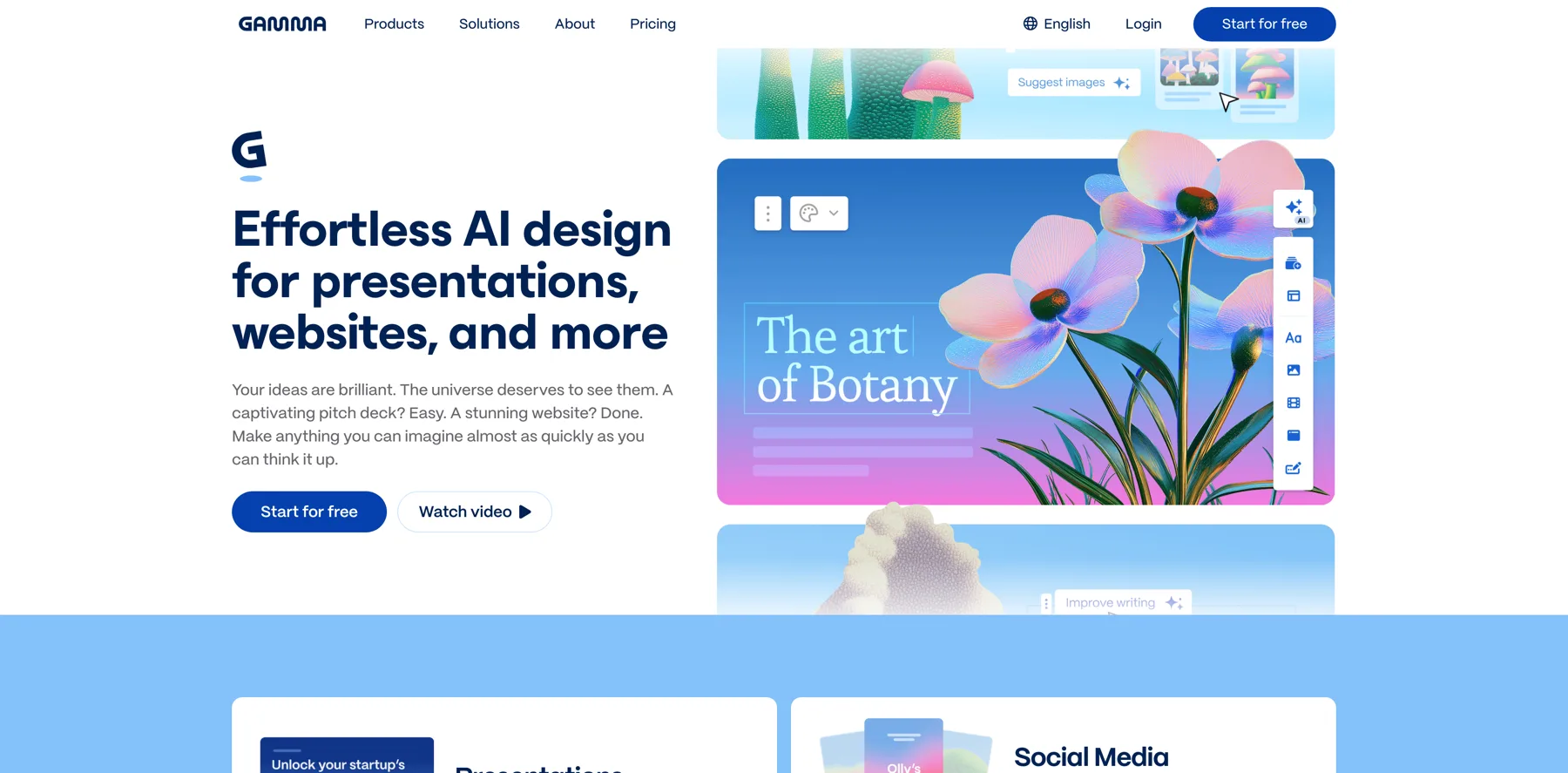
Yeah, absolutely. Do let us know in the comments how this goes, and another tool we didn't mention here, but we have mentioned it in other lessons and sections of the members area is Gamma, if you wanted to do slides or presentations and things like that, I do think that's a really useful tool.
It's kind of like Google Slides on Steroids with AI basically. I think it's really, really cool and it's really affordable. They even have a free plan, although they will put a watermark, but if you share it with enough people, you can probably use this for free. And it's, it's really useful and they have amazing templates and things like that.
And they do write the presentations for you. I think that's a great tool if you want to create these micro offers as well. If you want to go more with the slide approach, but even then, if you don't do it, you can use it for actually crafting the offer. Maybe that's more organized for you in the way you present.
I do like that. I think think that's a great resource. But yeah, anything that we mentioned here, as I said, we create these offers pretty quickly because we are used to this. We also go well back and forth. So if you have, let's say, a business partner or someone, I think this way of teaching, it's pretty good because it's not only your input to this, it's actually going, let's, Jan, what do you think about this?
And then I might share my input and it's more, you know, it's a great synergy, I would say, to do it. But if you can also teach it yourself, I've done many courses where I just go and teach the topic myself. But I guess for this, I thought it would be the best to go with this way to do a little bit back and forth and sharing the content in this format.
Yeah, if you co create, I would say it's really important to have a clear outline and structure because it's. It's easy to get ideas in the process and then you lose the structure and you start rambling and suddenly you end up in a recording in some place where you didn't plan to go. So really be careful about crafting a good outline and a learning experience.
I would say when you're creating the content yourself. I find it easier sometimes for short form content like , these micro offers courses that have like five more, five lessons or something. It's easy to just power through them, like set aside a day and boom, you've , got the content done, edited, ready to sell.
With co creating, there's more editing involved usually, but it has a higher dynamic flow, I would say. The single content is more structured and more. As my German nature would say, it's more to the point and goal oriented and just gets the thing done.
Yeah, because this is not a podcast or something. It's not an interview. It needs to be teaching. Getting people from point A to point B basically, that's what it's all about in a course or micro offer or anything you create that people are paying for and basically over delivering on that promise. I think that's really important. I do want to see what you guys create.
I think it's, really amazing how quickly you can get something up and running. So do post your offers. Do let us know in the comments. I would love to see all your creations because you can do this in a day as Jan said. You can do this really really quickly. So get started with this and then you have something for sale.
Use our process, whether or not you have Funnel Wizard, you get access to all our pages or not. You can still do this, if you have access to this, it's a little bit easier of course, you're going to have it very professional. Basically the same stuff I'm using for Creator School, you have very similar ones that you can take advantage of as well.
So, with that being said, hopefully you enjoyed this one. Do leave all your thoughts in the comments and I'll see you in the next one. Ciao!