Start your AI creator journey
Navid Moazzez: In this session we will talk about how you can start your AI creator journey and going from a novice to pro and we are going to show you a lot of examples for this session here and basically giving you the insights and strategies so you can actually learn this and implement this in your creator business and entrepreneur as a business owner, building things online, and I have my friend and partner in this project, Jan, here, and we are going to get into some good stuff today.
So Jan, what's going on?
Jan Koch: Hey, I'm really excited to dive into this because, uh, frankly, AI has shaken up the entire creator industry, and yet there are so many people who Kind of stand by the sidelines because they don't consider themselves technical enough to even play with AI. And I'm really excited to help them make the first steps and give a little bit of guidance, kind of like a framework of this is what you can do.
This is what the tools look like, and this is what you should be aware of.
Navid Moazzez: Exactly, and I do think it's important to, if you're newer to this, this is a great session to go through in this bundle, in this kind of workshop series where we actually take you through a lot of different things. There are probably some more advanced ones you can watch as well.
But this one is good if you're just getting started. So why don't we get into it, Jan, and go over kind of the structure here. We have like a little outline and we can also share, screen and, demo stuff as well for this.
Jan Koch: Yeah. Where do you want to start, Navid? Take it up.
Navid Moazzez: Let's start with going through kind of like what, what do you need as a basic?
You know, what, what is the most important thing to get started with? What are some concepts people need to think about?
Jan Koch: I think the most basic concept you need to think about is that AI can do the writing, AI can do the images, and AI can do video and audio. And probably it's best at writing and second best at images, and then audio and video are kind of meh.
I want to say at the time of recording, there's still a lot of room for improvement.
Navid Moazzez: I mean, I do think images have gotten a lot better. I must, if you know what you're doing. There are some crazy things you can do like book covers and stuff like that with Midjourney. So I think that is really cool. But I mean, for, I guess for everyday creator, uh, we are going to get into some stuff.
Of course, ChatGPT, we have other guides for this as well, but we will show you some basics in this training so you can actually know what to focus on and, uh, different use cases where you might use AI in your creator business to actually take things to the next level.
So Jan, we can show screen a little bit to actually make this really, really actionable here for, for everyone.
So let's get into it. Let's get into it. Yeah.
Jan Koch: So this is the AI summit. Or the AI for Creators Summit, and we've put this up on the screen because there are so many different ways you could use AI on building a landing page, frankly on anything that has to do with websites, be it building the entire website, we have training on that, creating the images for the website, writing the headlines, writing the content, writing call to actions, anything That has to go on a website, you can do with AI, and I like to go from the perspective of how can AI help me with this.
So if you are building a website, take a step back and think about, okay, this is where I'm stuck, or this is what I want to do right now. What is the AI? That can help me with this, and in most cases, frankly, it's ChatGPT, and I highly recommend going with the Plus version, it's 20 bucks a month, but it also gives you the image creation, it gives you so much more.
But when we look at this website, this image right here, with the speakers on, could be created with AI. Granted, this will be hard, because you would have to use all those images and add them manually. Probably something like Photoshop AI could still do this for you. The easiest way to get started, though, is writing headlines with AI.
Writing this type of content with AI. Or
Navid Moazzez: bullet points and stuff like that, go down a little bit. Like, we use this for, I mean, we can improve on this. This is actually, at the time of the recording, this session here, for the workshop series, this is, uh, you know, an early registration page. So the summit hasn't gone.
Live. Yep. So we're going to probably tweak some things here. But for example, I use AI a lot when it comes to getting emojis for newsletters, bullet points. And it's really easy to do that as well.
We're going to show you maybe some examples of what this can look like in this session. But it's stuff like that it's really great for.
I don't think AI is there for just replacing you as a creator, like, I think it's great for supporting content. For example, this stuff can help you with ideas and you tweak it. If you're just gonna leave everything to the AI or ChatGPT, it's not gonna be as good as a great copywriter, but it might, maybe it'll get you...
You know, 70 to 80 percent there in many cases, and then you'll, you need to sprinkle in your personality and your, your tone and your, your voice, and then you get it so it sounds and feels like you and more personality, which is important for sure.
Jan Koch: Right. So I, I think about, uh, AI as a, as a supercharger in a way.
So if I am not a copywriter by trade, then AI makes me an a more than average copywriter. So everybody who's using AI for copywriting will outpace me. But the professional copywriters are still leaps and bounds ahead of ai. Right. They use the two Yeah. But they know how to tweak the content.
Navid Moazzez: Yeah. Yeah. That, that is a key.
I, I like that you said that because I think it's so important that you actually know what is good copy, though. Like, yeah, you might, you probably know what is good copy. You might not be, world class or you don't have English as your native language. Same with me. Right.
But, but you can learn the principles, what great copy looks like, and great content in general. You need to know this. Otherwise, you will not identify what is trash. Most of the content that comes from AI is trash, to be honest. That's, that's the truth because people don't know what they are doing and that's why we put together this awesome bundle and the, all this content on the summit with great experts and stuff like that because we want to teach you about this, how you can do this the right way because you need to, let's say you're putting in a prompt in ChatGPT and then it comes out.
You might think this is great. But it's actually trash, you know, if you don't know what the principles and that's, that's the case in a lot of things, because you might say, Oh, this looks amazing. You got some bullets, you got everything, but then it's not great,
Jan Koch: you know, and it's not converting. Yeah, let me pull up an example of a friend of mine, Nicole Osborne helps agencies get more leads.
And she said, AI generated content has earned its place, blah, blah, blah. But how did I make it my own? I added a story. I leaned into my quirks. I highlighted some unique insights. These three bullet items are what AI cannot do for you. AI can tell stories, but it's not going to be your story.
Navid Moazzez: Yeah, because they don't have, I mean, you can add certain things.
We can talk about this as well later. I'm sure we're going to have videos about this. For example, ChatGPT, you have custom instructions, but it doesn't have, it's limited. You know, you have also limited tokens, stuff like that. We can get in maybe to the details a little bit about this later. You cannot even put it in.
And
Jan Koch: the ChatGPT Mastery
Navid Moazzez: Workshop, we'll dive deep into that. Yeah, we'll get into more details on all of this, what it means and stuff like that. And there's definitely tools that have. Way more tokens you can like put in like Surfer SEO and there's tools like content at scale And we'll talk a little bit how to navigate the old AI tools There are thousands and of course, you don't need thousands of tools to run your business, but we'll get into that a little bit now Let's continue with I guess use cases and stuff like that, what to think about when it comes to this, because I, I would say the biggest things, like what are you doing in your business currently?
What are you doing as a creator? Maybe you create YouTube videos. Maybe you create, uh, um, you know, content on your blog. Maybe you have a podcast or you create a lot of content on social media. AI can help you become more efficient and write the content faster. You don't need to replace your creativity there, but let's say you're already creating videos or podcasts.
Well, what are the tedious tasks when it comes to this? Probably the show notes. You probably don't like this. No one likes creating the show notes. No one likes creating the tags on YouTube. No one likes doing the descriptions on YouTube with all the links. AI can do this for you, the transcript, and even to some extent editing, like with tools like Descript, it has been a lot easier, and even Riverside, you know, it's a text based editor, yes, you can use Final Cut and all this if you're more seasoned, but these other tools, they're like AI driven, AI powered, and you can do this a lot faster, so I'm sure You know, some of this can make you just a more efficient and better creator.
And like, just getting like, maybe some things you're already doing, can, you're going to be ahead of probably 90 percent of people if you're getting into this. That's what I would say.
Jan Koch: Yeah. And you'll be so much faster too. Like just for Descript removing the um and uh and duplicate words and stuff like that.
That is so much easier now with AI. And don't get me started on building landing pages, writing out complete email sequences, like you can literally take, say, ChatGPT, say Anthropic with Claude, or whatever tool you want to use, and go from a blank page to having a 25 email, email campaign within Maybe an hour and think about how much time it would take you to write this from scratch.
And this is the most important thing I feel when it comes to AI. It puts fuel on the fire, but you have to ignite the fire first.
Navid Moazzez: Yeah, for sure. And like, as we said, like I probably wouldn't use AI to write a complete in depth blog post, but I would use it for maybe the outline. Maybe I would use it, maybe I had a YouTube video, and I bring it into, I mean, you could take this transcript and do things in ChatGPT with this, it's way more complicated than using like a specific tool, and we're not gonna talk about this, there are a lot of tools with a specific use case that might be better than just using the good old ChatGPT for certain things, like especially like when it comes to long form content, like I said, Surfer SEO, Content at Scale, I would take for example this video, or like one of the, Sessions from the summit that I publish on YouTube and just take the YouTube link and put in content at scale.
It writes this in depth blog post pretty quickly, and it's mind blowing actually. It's, we have, we have a demos on this as well. So you get this in the, in the bundle and even on the, on the summit, you might have seen something from Julia McCoy. It's just mind blowing what, what it can do. So yeah, that's just some things I'm thinking right off my mind, what I'm using it for on a day to day.
Jan Koch: Yeah, same here. For, for me, it's also about, um, emails to clients, emails to leads. Like if you want to create sales related copy, this can be really, really good to spice it up with SEO, uh, with AI. Obviously, SEO is a big part, but I think, This is now the point where you should go into the next lesson as we dive a little bit deeper into the intricacies of each tool, because AI is such a broad field that we can't really fit it into one video.
That would be like 10 hours of video. So, let's go into the next one, I would say, and talk about
Navid Moazzez: ChatGPT.
Yeah, yeah, absolutely, man. So let's, let's, do you want to share screen a little bit on this because then we can showcase a little bit about the tool. We have other videos about it, but we'll, we just show you so you get like, you know, we really, you don't need to know, uh, here's the thing.
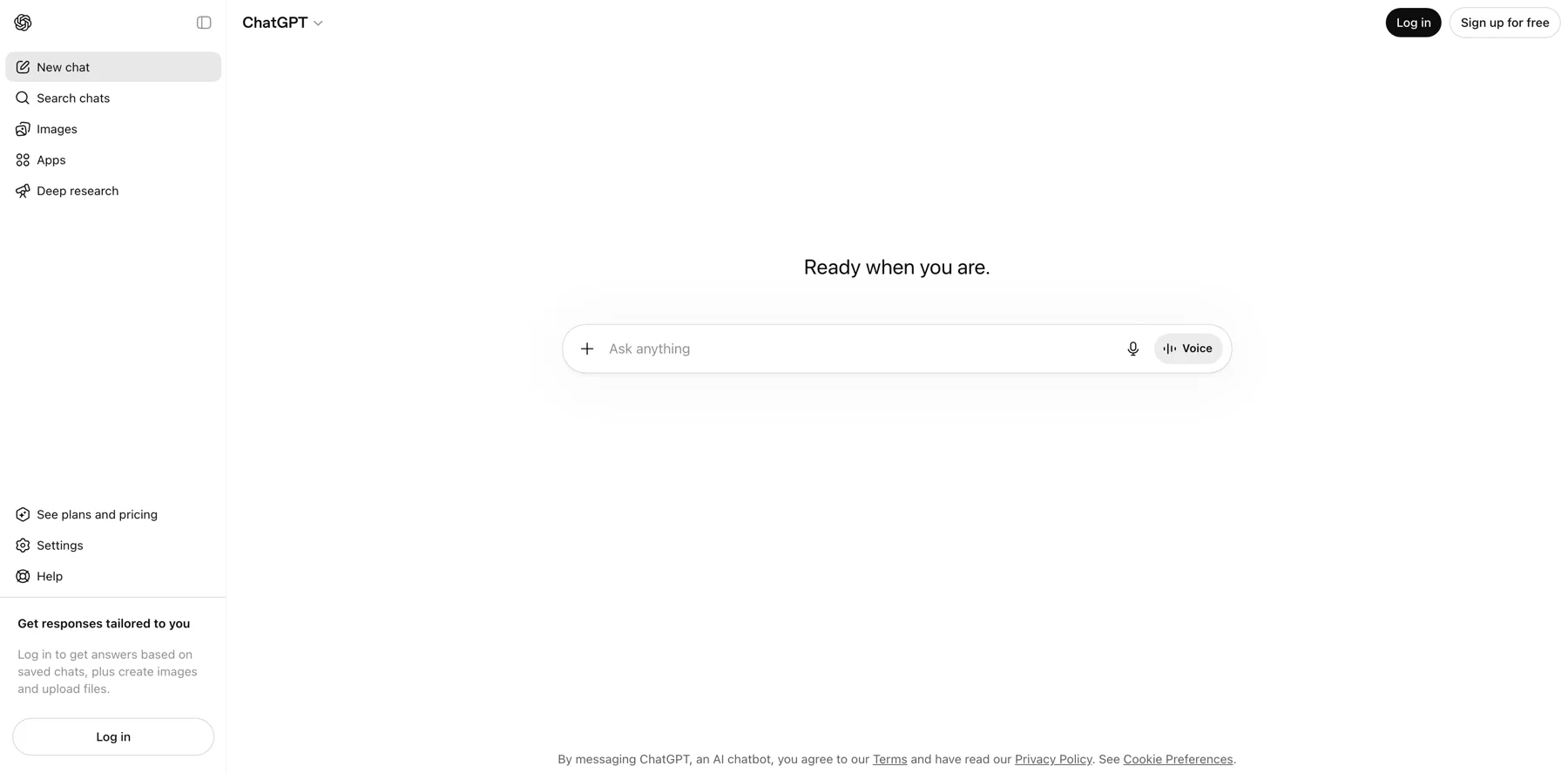
You, of course, you need to learn about what is a prompt, how to do it, you know, stuff like that with ChatGPT. There's tools that you don't even need to be a prompt engineer, so to speak. You actually just put in your information and it's... It creates the content for you, but with ChatGPT, yes, you need to know what is a good prompt and how to actually, what information to feed ChatGPT because you don't, here you start with a blank canvas.
That's basically how you start. Yeah, so
Jan Koch: let's make this canvas our own in the first place. Yeah, you
Navid Moazzez: can make it a little bit customized, which is nice. Yeah, the plus plan. I do think everyone should have the plus plan. You can all use, I guess you can use the API and certain things with the developer.
Jan Koch: Yeah, that's unrelated to the Plus, but what Plus gives you is you can get real time internet access, you get plugins, you can upload data, and you can do images.
And what's also cool is you can set custom instructions, and as you see right here, you can provide specific details for your chats. And in this first block, you can talk about where are you based, what do you do for work, and give ChatGPT context about who you are and what you do. And the second part is telling ChatGPT how it should respond.
So, let's say, I am the co host of AI for Creators Summit. I live in Germany, got one daughter. And I am passionate about all things AI. And how should ChatGPT respond? Friendly use metaphors when explaining complex concepts. So this is really in depth already. So what we're doing here is it's a little bit of prompt engineering, I would say, but in, in this, in essence, you want to use your tone of voice when you're creating ChatGPT and I'm just telling it my tone of voice, short.
Sentences, we'll leave it at that. And now every new chat will have this. And let's go with one example first. Let's assume I'm a travel blogger or travel vlogger, and I want to create content about an eco friendly travel, but I don't have any idea. Like I am sitting on the beach. I know that I should create my content, but I don't know where to start.
So let's ask ChatGPT what it can do.
Navid Moazzez: Yeah, this is what, this is what one of the most common use cases we use it for, for a summit or anything we do, like ideation. I think that's a great use case because you are just like, okay, asking a little bit, you know, questions. And then you, you get, you get usually pretty good responses.
I use it also for ideation for podcasts or summit interviews and stuff like that. I might ask it to be like, hey, you're a, you're an expert podcast interviewer with 10 years of experience. And you, I want you to interview someone the style of, you know, maybe some famous, maybe like Ali Abdaal or someone like that.
Yeah, or Gary Vaynerchuk or something like that. Yeah, so it's pretty natural, organic. I like that, right? And yeah, that's a good job to actually... You know, bring some good questions for our guests, especially if I have the topic I want to speak about, it gets usually pretty good and that saves a lot of time.
You still might have to tweak things, but it does a pretty good job with it. Yeah,
Jan Koch: so this is one of the easiest examples and easiest ways to get started with ChatGPT because as a creator, the one thing you need to do is you need to create. And the one thing... Every human struggles with is being creative at will.
Like, it's, it's just not possible to turn on creativity when you need it. If you feel rushed, if you feel stressed, it's really hard to come up with good ideas. And this is one example of how ChatGPT can help you with this. Now, there are different ways, and we'll dive deeper into ChatGPT with the, with the other videos.
I would say, let's create an image with, with Dall E, Navid, so that
Navid Moazzez: people see. Yeah, let's try to do that. Like, what is it for? For a blog post or for social media, you need to obviously define.
Jan Koch: Yeah, let's see, uh, help me create a Facebook thumbnail graphic for a vlog on, I don't have an idea, so let's say, Maybe, let's say, attending ecocentric events and festivals that promote sustainability.
Navid Moazzez: Okay, that's specific. All right, let's do that.
Jan Koch: Yeah, we won't make it too easy for Dall E. Let me create.
Navid Moazzez: Yeah, let's see. I mean, sometimes it's, it's always, it's kind of interesting with the AI what it creates......
Jan Koch: It's about attending eco centric events. Assume that I am a travel vlogger and want to create a video on the topic, which obviously, obviously needs an image for social media. Right. So now you can see I have Dall E3 activated and we'll do this way more in depth and explain everything step by step in the following videos, of course.
Navid Moazzez: We have also a workshop on, on image AI specifically, uh, for different tools. Like we even go into Canva, we have a Dall E3, we have Midjourney. So basically be sure to check out these if you want to get in more to this. I think it's great to use image AI and, you know, just generative AI in general, like for when it comes to, you know, more art and things for your blog, like you can keep it on brand, you can do things, you don't need to use a stock photo, like I know there's Unsplash and things like that, you can use free , stock photos, of course, but it rarely does as well because a lot of other sites are using the same photo.
So when It doesn't show up in Google as much because of course they have like some code in the images, so it, yeah, they just show maybe once or twice like for other sites that have used it already, so yeah, that's usually the case. So if you're using original, art or graphics or something you have created from Midjourney, Dall E3, or even Canva to some extent, you can do a lot better with this.
Jan Koch: Yeah. And this, this is pretty cool, actually. I like this quite a bit. And what you can see here is that it even gives you the prompt. So I've just copied...
Navid Moazzez: Looks like my lens almost now. It's true.
Jan Koch: Yeah. It's also, also a good opportunity to highlight on a few things. Dall E3 is the only AI at the time of the recording that consistently gets characters and text right on images, but it can't spell.
As you can see right here, workshop with two o's. .
Navid Moazzez: Can you change that, like somehow?
Jan Koch: No, you would have to use, like, Photoshop or something to update it.
Navid Moazzez: Yeah, you would have to, like, take this image out and, like, edit it and stuff, so, yeah.
Jan Koch: But what we can do is we can... Have this new prompt, create another image with this prompt.
What's also cool is, I didn't even notice at first glance, because I told it that this will be an image around a vlog, it put a play icon in here. Yeah, I mean... That's pretty nice as well, because I would imagine people would click on this way more than they would click on this image. Because they expect a video to start
Navid Moazzez: Here's how I would think if you You can do I think this is great for like certain things.
But like if you are in the vlog Uh, probably would be better to put you on the image, like, you know, especially if it's for a YouTuber, I mean, but you can, for a blog post, I do think, like, if you're writing about a topic, like, for example, 10 ways to make money from AI, or whatever it might be, like, let's say I'm writing a blog post like that, then maybe I could create something, uh, you know, based on that, wait, With Midjourney or Dall E3, because I wouldn't put myself on this image, so that could be something more general, that I think we would do well.
But you could put yourself on here as well, I guess, if you, but it takes a little more time too.
Jan Koch: Yeah, we can show this later in the Midjourney workshop.
Navid Moazzez: Yeah, Midjourney. Can you do it in Dall E3? Which one do you prefer more? I think Midjourney is a little more advanced, right?
Jan Koch: Midjourney is more advanced, um, and Midjourney is better documented, that's what I like, because you can tweak things way better in Midjourney.
But one thing that's cool is, this image and this image are the same, even though they are two different prompts. One problem that image AI had for the past months is the consistency of images, because obviously, as a creator, the images need to look the same, and they have to be a consistent style, right?
And now AI is at the level where we can achieve that.
Navid Moazzez: Yeah, but it's moving at a rapid pace. So it's gonna get better. Uh, for sure. And yeah, with more tweaking and stuff you can do, you can do pretty well. But let's, let's continue because we are, this is not going to be like an image AI workshop. But you can see here, like, if you know how to do things like that, you're already ahead of most people.
To play around with it because most people don't know how to even use it. Like Midjourney, Dall E3, Canva is very easy, people are playing around with it, but it's, it's still like, you need to know a little bit, like, to, I mean, maybe how to tweak it afterwards, because you're getting something, and then you need to see how, how to actually make it better, usually.
So that's the case. But yeah, let's, let's keep going, Jan.
Jan Koch: Yeah, let's talk about Blog titles and introductions, I would say, because the one thing that you need to nail is assuming you blog or you create content, the titles need to be on point. So let's continue in this chat right here, where we asked for the ideas for a vlog, and I would assume the vlog goes onto YouTube and you would embed, let's say, a travel report or something on the website, where you want to have a blog post accompanying that.
So here's a template. for a blog post that we'll customize a little bit, because one thing we want to make sure is that you know what a good prompt is and what you can do to make it your own. So let's say we take this headline again about tending, so obviously it needs to be proper English, or proper whatever your language is really.
Navid Moazzez: It just needs to be SEO optimized as well, so, but That is something you, usually from, because I've written a lot of blog posts, ranking like articles for affiliate stuff and things like that for my site in the past, so it's pretty easy typically to do that based on checking other ones, and what you can do, a little tip for you, is to take maybe the top 10 results from Google, Give this to ChatGPT asking them to maybe analyze it or like giving them, like maybe giving like 10 more like that so you don't copy exactly what is on the first because you want to stand out a little bit if you happen to rank on the first place you don't have the same title.
And that's not usually the best.
Jan Koch: Okay, here's a cool thing. Plus we have ChatGPT plus and we have web browsing enabled in this chat. Let's say research the top 10 articles.
Navid Moazzez: But that's the Bing, right? So
Jan Koch: that's with Bing. Yeah, it's, it's not like Google.
Navid Moazzez: Yeah, it's not the same results that might I mean, it will be pretty good.
It'll still be good, but it's not the same as like, it's not the same results ranking in Bing probably as Google. Keep that in mind. That can be different. I mean, I would assume, I don't check every day, but I would assume it's different. Yeah, so. And you want to always check with Google if you're like doing something with SEO, for sure.
Yeah. That is a gold standard.
Jan Koch: That's right, but what you could do with this is, we can also talk about Bard a little bit after this.
Navid Moazzez: Yeah, I mean, Bard is good for certain things, I would say.
Jan Koch: And Bard is Google. Bard is 100 percent Google. So what this is doing now, it went through being researched the top 10 articles.
And now we are, we're getting 25 headlines. One thing that you need to understand is you can't ask AI for suggesting one thing, or for multiple. And why would you go for just one suggestion if you can have however many you would like?
Navid Moazzez: And something that is worth, like for example if you're doing this for blog posts, or titles, or ideation.
Most, like, maybe most of them are not exactly how you want it, but you're finding, like, one word or something you didn't think of, that is the power of AI, because you don't think of every word, maybe that's a synonym or something like that, and I think that is the power, and we have done this before, where we say, I don't like this, but I like this word, so we actually do this for products and stuff, especially product names and things like that, where It's really important to like tweak things and really like brainstorm a lot.
The AI is fantastic for actually giving a lot of things that we just don't think about on the top of our heads. So yeah.
Jan Koch: Yeah. That's, that's a really good, really good point. And I really liked it. There was one, this one I love from beats to beats. That's funny.
Navid Moazzez: You would have to double check this as well.
What is in Google exactly if you, I mean, if you're going to rank for something, but. Yeah, that is basically the process a little bit, so...
Jan Koch: And this is what Bard looks like.
Navid Moazzez: You know what I think Bard is cool for? It's actually to be more productive. Like, for, like, maybe you have Google Drive and things like that.
You can actually, I guess you can tell it to search your drive and things like that. I think it's, it's my drive. I don't know about you, but my drive is not, like, I have one, I have one drive that is really organized. I have an older one that is not organized. So I could probably ask Bard, like, ask for a, ask for, like, a Google Doc or something like that and then find it.
I think that's possible.
Jan Koch: Yeah, you can integrate Google Bot with Google Docs. Yeah, and
Navid Moazzez: that's
Jan Koch: amazing. It's not straightforward, but it's certainly
Navid Moazzez: important. I mean, with Drive and things like that, you can find things. I think it can be used as a pretty good productivity tool, actually, if you, you know, get into it.
Jan Koch: Yeah, it's similar to what we do at Kobra DataWorks as well, where you find information easier. But have a look at these ones. Those are way different. But you can already tell that those headlines would be, I would assume they rank better than the ones that ChatGPT provided, like family events and festivals for families, eco centric events for solo travelers.
You can tell that it comes from Google,
Navid Moazzez: right? Yeah, and I do think for titles for Google and stuff like that, I do think Bard might be better, actually, if you just want to do it for this. And I do think you should have, as a... As we are talking about going from like a beginner to a little bit more pro when it comes to AI, as a creator, as an entrepreneur, I think it's important to dabble with the main players, which is, of course, ChatGPT, Bard, we have also Claude, but you work You have a lot of tokens with Claude actually, which is cool.
And of course, what we talked about, image AI. I think that is like the basics. But then we're gonna talk about how to actually, navigate this world of like thousands of AI tools and what you should do. Because that, you might say, oh, this is popping up every time. And your favorite influencer expert is talking about tools.
Why? Because... It does well on social media, typically, to talk about all these, like, uh, you know, extensions and stuff like that, and they sound cool, but then you're gonna, you're gonna make your computer slow with all these extensions. That happened to me, I tried a lot of them. Like, , I couldn't send a Facebook message.
I have a really powerful computer. It was, like, just bogging down the system, so... It's not always productive, I'm going to be honest with you, and I'm just sharing the truth here.
Jan Koch: Yeah, that was not fun to debug why your computer was so slow, but I agree. And I think you've hit a very important point right here.
There's not much benefit of us rambling on for different tools in this brief overview thing. I would say the most important takeaway for you as you're watching this is Get your hands on the tools and get started. Just play with them. You can't do anything wrong.
Navid Moazzez: But Jan, don't you think that you a
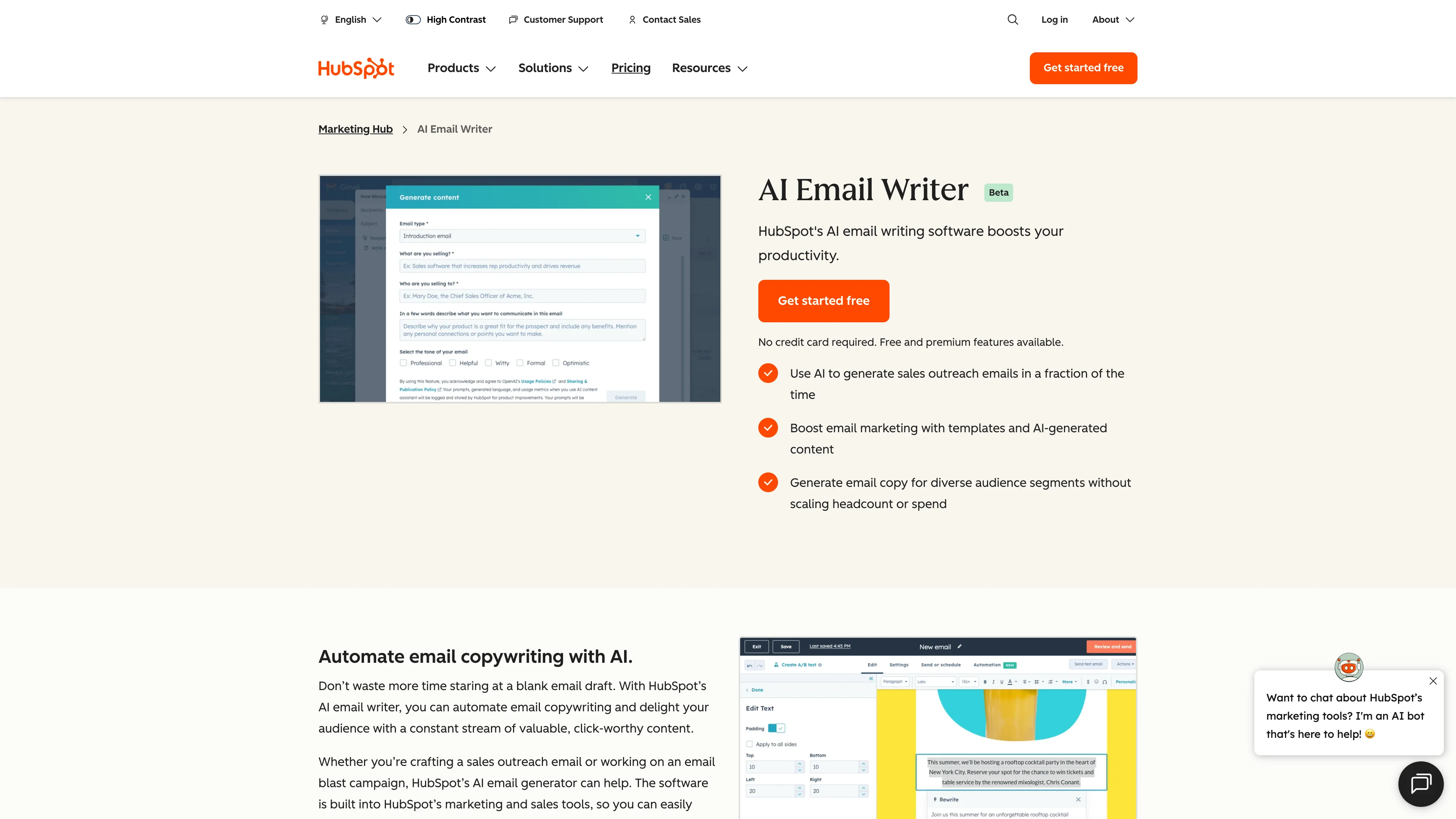
lot of AI features, right? For example, let's say you are a HubSpot, for example, just for a big company, for example. They have a really good AI tool, like for content and stuff like that, I think, I don't know if it's the content editor or content writer or something like that, they have something like this, they have a lot of different AI features for certain things, like tools you might be using, they're adding AI features.
That's, that's the power, I think. Like, they might not have highlighted it before because it was not the new hot thing. Now every tool is doing that more. And, like, Descript has been, you know, using AI for a long time. Like, uh, what's changing a lot is the generative AI is becoming so huge. Before, a lot of tools, like Surfer SEO used it for these NLP kind of keywords and stuff like that.
Uh, that was already based on AI. Like, how to find this, how to score it. That was already there and now they're adding a lot of other features for writing and stuff because the AI has been becoming better at this stuff. So yeah, just navigate this. You're probably already using tools which has AI and then you might not need too many other tools.
Like we are using Riverside to record a lot of sessions. That's a lot of AI features. Yes, you can use Opus Clip. You can use other tools which might have some extra features for making like shorts and stuff like that. But let's say you're only using Riverside for your podcast, you can, you have a magic clips, uh, editor, so you can actually cut up a bigger episode or a longer episode, like something like this, and make shorts from this.
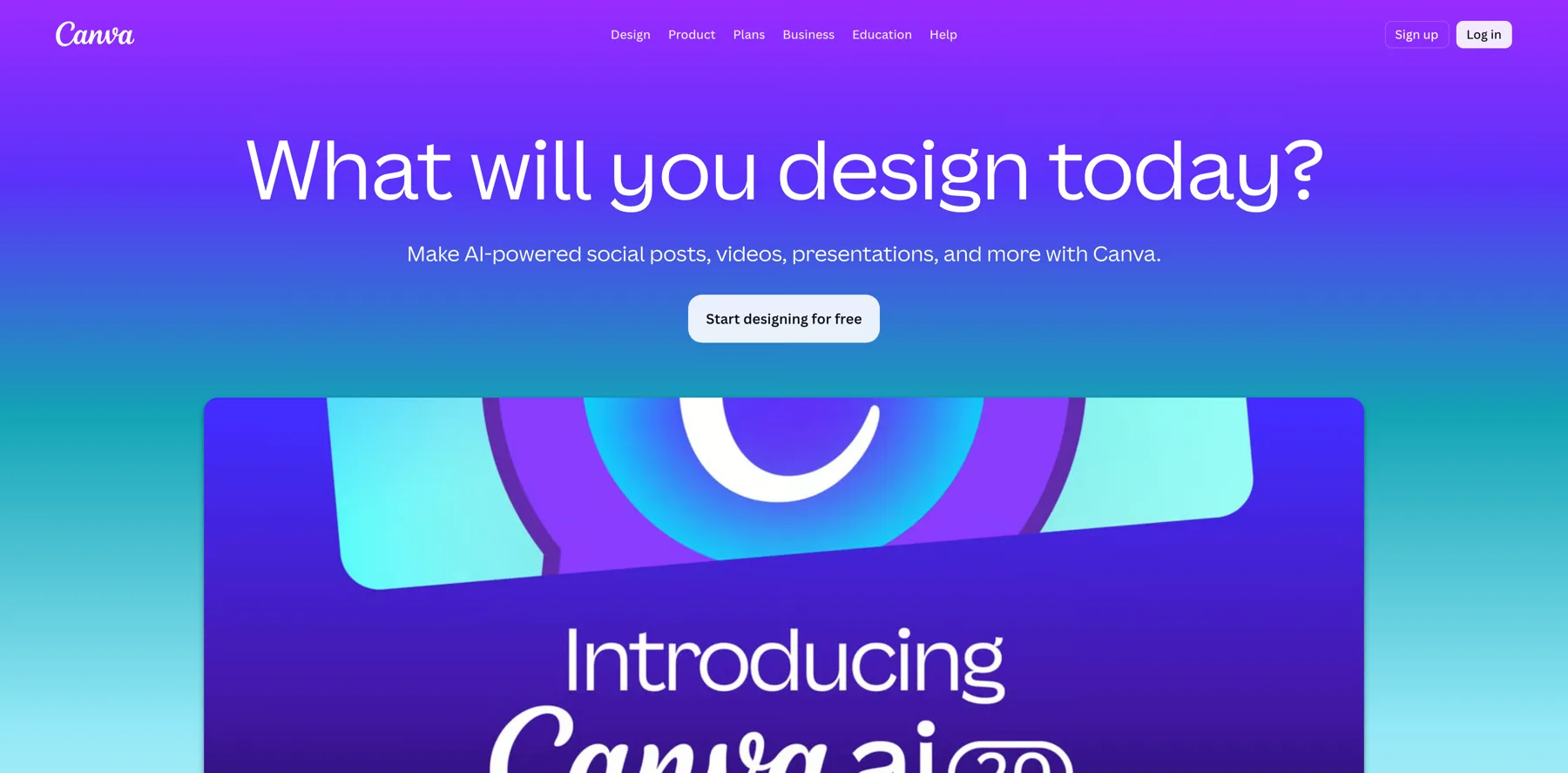
So, yeah, look at your favorite tools. Canva is a great example, just going all in on AI right now. And you have probably been using it for years as a creator, especially if you want to do things a little bit more simple and easier than just Photoshop.
Jan Koch: Yeah, but Photoshop is getting into AI as well. Like even Excel and Word and everything related to Microsoft Office is going into AI.
So there won't be much room where you won't find it.
Navid Moazzez: Photoshop is getting easier, by the way, Jan. Way easier. I'm signing up for, I mean, I just, I'm signing up for the, for a plan actually, because I have used Photoshop and Adobe tools a long time, but, uh, yeah, I just cancelled it for some time when I didn't use it, but, but honestly, I'm, for Firefly 2, my god, that's amazing, like, and also, yeah,
Jan Koch: because, because you only tell Photoshop what you want it to do, you don't have to know all the tools anymore, you just tell it, make the background brighter, remove this tree from the background, make my face look
Navid Moazzez: better.
I can put glasses on my face. I can put like, say, I can put my favorite image, let's say I forgot my glasses, I just put them on for my vacation photo, like when I'm traveling the world and stuff like that, I want these favorite glasses from this brand, maybe Photoshop makes, and AI, I've seen this working pretty well, it looks pretty realistic, and that's the thing, I think AI, I think before it created these artsy images and you can still do that if you want to create like really AI art, but now you can create really realistic stuff that might be worthy of a VOOCover, like for a fashion magazine, for example.
You can do stuff like that. That's how good AI has gotten. In just the last, you know, couple of months, but like, ChatGPT has just, at the time of recording this, has just been out not even a year yet, which is mind blowing. Yeah,
Jan Koch: right. And, um, I think what sums this up is your competitors are using it. And if your competitors don't need graphic designers anymore, or maybe they need a halftime person or person that just works like five hours a week for them, they just need a copywriter to check the content that they create instead of hiring full time team, they don't need a web developer anymore because AI builds the websites, if you don't have the same advantages as They'll outperform you because they'll be able to create so much more content and at a higher quality than you would ever be able to do.
Navid Moazzez: Let's just get back here a little bit and we can talk. I mean, we're gonna wrap this up. This is, I think this is it's a pretty good overview.
I think some ethics to speak about like I think that is, I guess, I mean, I think as a creator, you don't need to worry too much, you're like, creating content, but like, if you have something of your own IP, like a course or something, you should be a little bit careful.
If this is content that just goes on your social media and stuff like that, probably you don't need to worry too much. What do you say?
Jan Koch: It's tricky. It really is. Because, for example, with the image AI, Many image tools don't let creators opt out, so the image AI is trained on, let's say, images from Picasso, from Salvador Dali, and you can tell Midjourney or Dall E3 to create this painting in the style of Picasso.
Are you allowed to do that? That's a question nobody really has an answer to right now, and I would say, if you create something, make sure that you've had a little bit of input at least. Don't just take something AI created and put it out as your own. Inject your own personality and experience and brand into it, and then you should be good, but one thing you need to know is, for example, with images from Midjourney, you cannot copyright them, whereas Photoshop and Adobe say, If you get sued about using their images that you've created with their AI, they claim they would even pay for the lawyer to defend you.
That's how comfortable they are.
Navid Moazzez: I've seen this, Jan. It's interesting that they say that, so we will hope that that's correct. Of course, it says in their terms and some tools, they say that you own all the content, like, you know, for example, Content at Scale and tools like that. And I mean, every content you create is your content, basically, which is, which is nice, especially when you're paying for a premium tool.
I would, but I would still check so it's not like, you know, plagiarism and stuff like that. That's like certain tools have these features. There's also tools like Originality. ai, which is a more, you know, it's a great tool for actually checking this to make sure your content is, is, you know, worthy. Of ranking in Google, first of all, because Google doesn't care if your content comes from AI or yourself, doesn't care about this anymore.
It was like a little bit questions about this initially, but they have confirmed they don't care. What Google wants, when we're talking about SEO and content that ranks, is actually content that is great. So if you can create great content with AI, maybe adding some of your personality and making sure it's unique.
Google is not gonna care. It can rank on the first page of Google no problem if you build links and all this kind of stuff you need in order to rank. So I do think that's, that's some important points regarding this.
So what do you say, Jan?
Jan Koch: That's a brilliant way to wrap up this first session.
Navid Moazzez: Yeah, and we have a lot more to cover, but we covered a few ways we are using it and things like that.
I do think we... I do think if you have any questions, do let us know here, but just kind of get into it a little bit. That's kind of what it's all about, and if you, even if you're just using a few things, what we've shared in this session, you're going to actually be ahead of most people, because most people are not using it like that.
They are a little bit careful. I do see... See things like that and it's important like to inject your personality and your own, you know voice into what you're doing I think that will set you apart from everyone else when it comes to this So, I don't know if you have any final words of wisdom for people to just get going with this
Jan Koch: Yeah, have a look.
If you feel like you don't know where to start, have a look at the Daily Habits Tracker that we put out as part of this bundle. That will give you the exact structure for how you can spend 30 minutes a day. It doesn't take more than that to familiarize yourself with AI.
Navid Moazzez: Thanks so much for checking out this, everyone. So yes, just be sure to get into it and I'll see you in the next workshop session here. Talk to you soon.